
Withdrawal Process on Spinrise in 2026
Spinrise supports a broad range of withdrawal methods in 2026, including credit cards, Interac, Noda (pay via bank), Apple Pay, CashtoCode, Bank Transfer Instant (Jet e-voucher), MiFinity, Neosurf, CoinsPaid (crypto), PSC by Utorg, Skrill, MuchBetter, EPS, Mandato, AstroPay, and eZeeWallet. Processing times and limits vary by method. All withdrawal requests are subject to account verification before funds are released. Select a method supported in your region, ensure your account is verified, and submit your request through the cashier section.
How to Withdraw Money From Spinrise?
Requesting a Spinrise withdrawal takes only a few steps through the cashier section of your account. Your account must be verified before any withdrawal request is processed.
Open the Withdrawal Section
Log in to your Spinrise account. Navigate to the cashier or banking section, then select the “Withdraw” tab to access available withdrawal options.

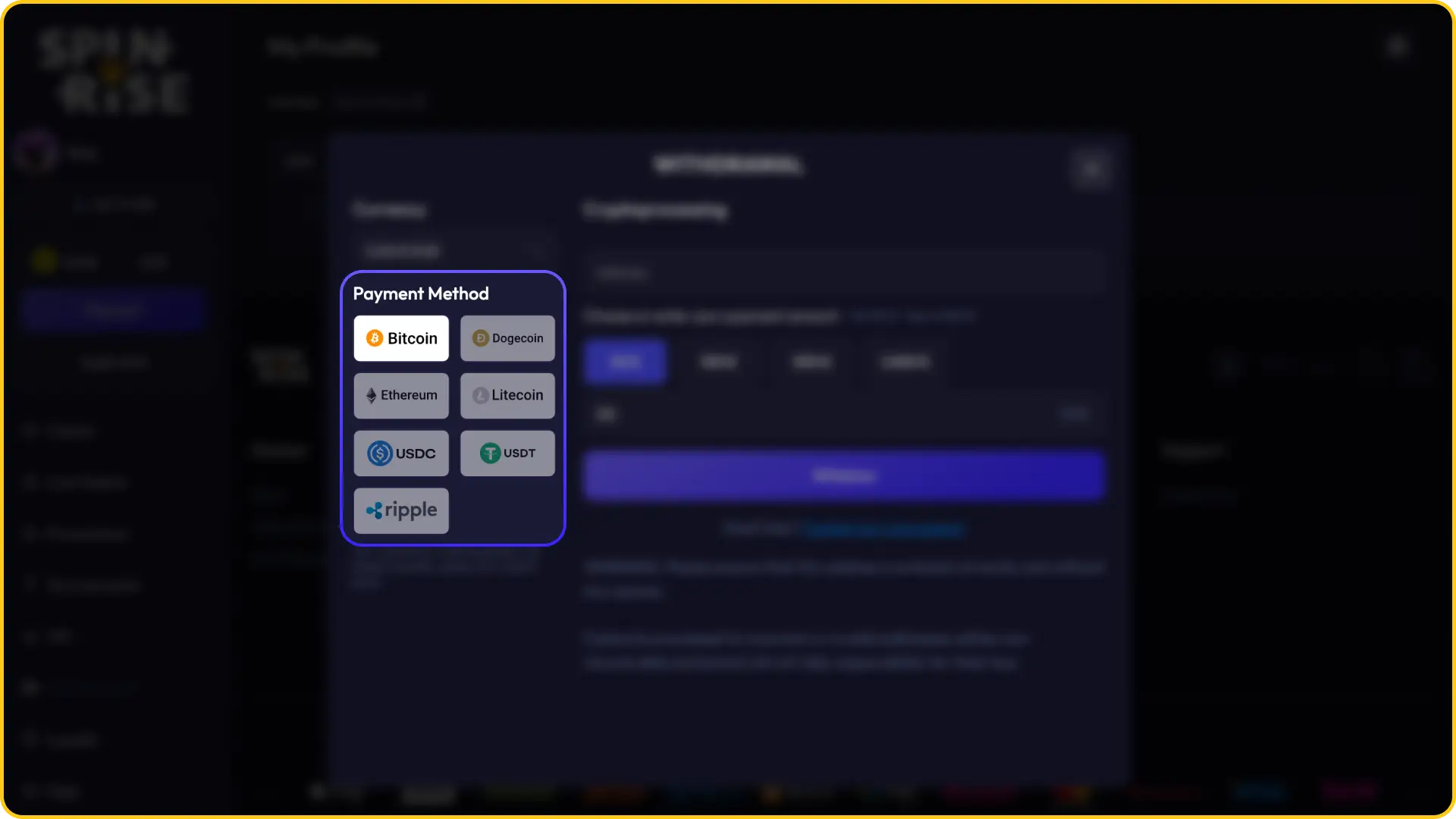
Choose a Withdrawal Method
Review the list of available payment methods displayed in the withdrawal section. Select the method that matches your deposit method or your preferred payout option. Availability may vary depending on your account currency and location.
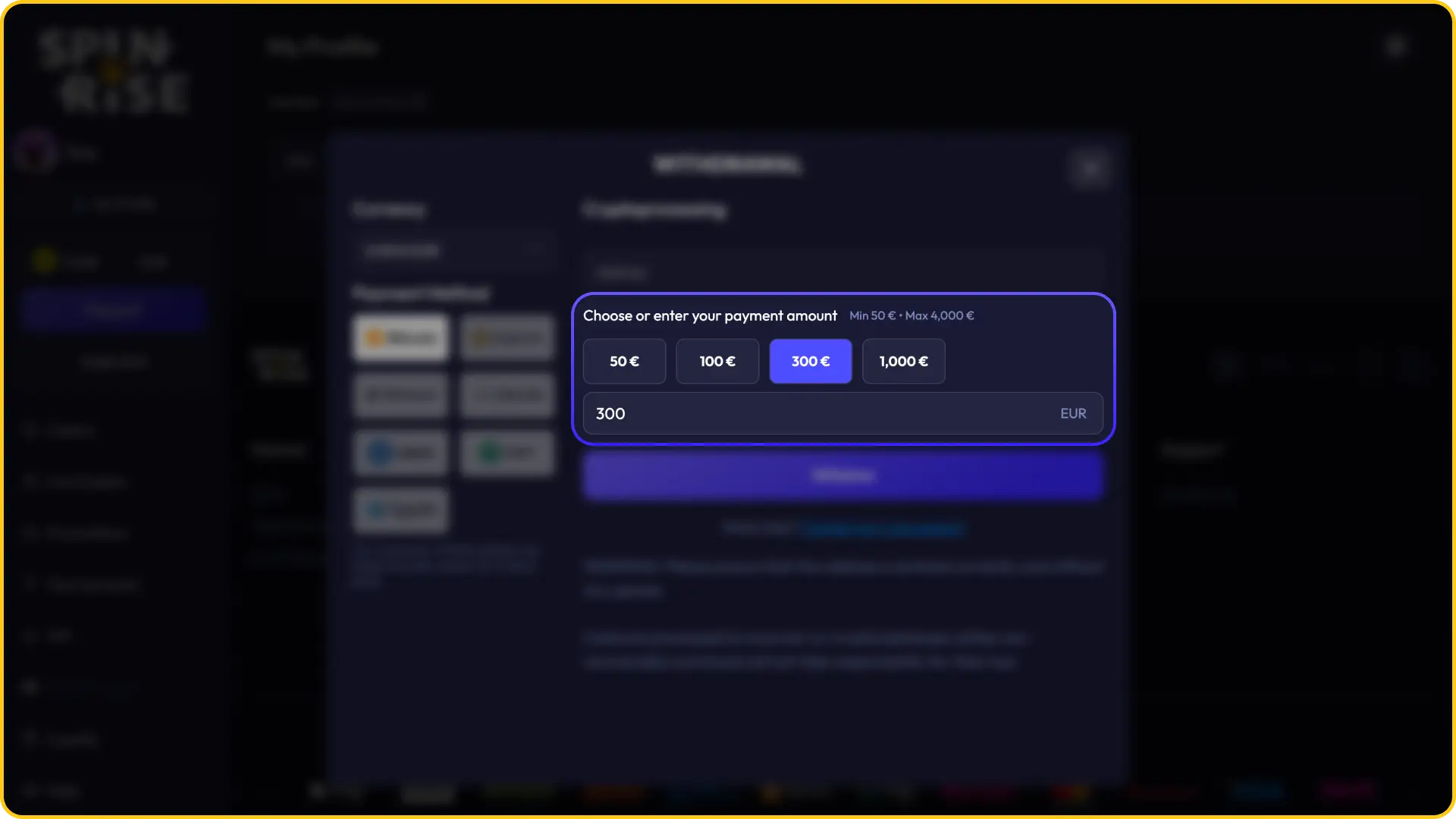
Enter the Withdrawal Amount
Type the withdrawal amount you wish to receive. Ensure the amount falls within the minimum and maximum limits applicable to your chosen method. The system will display an error if the amount is outside the permitted range.
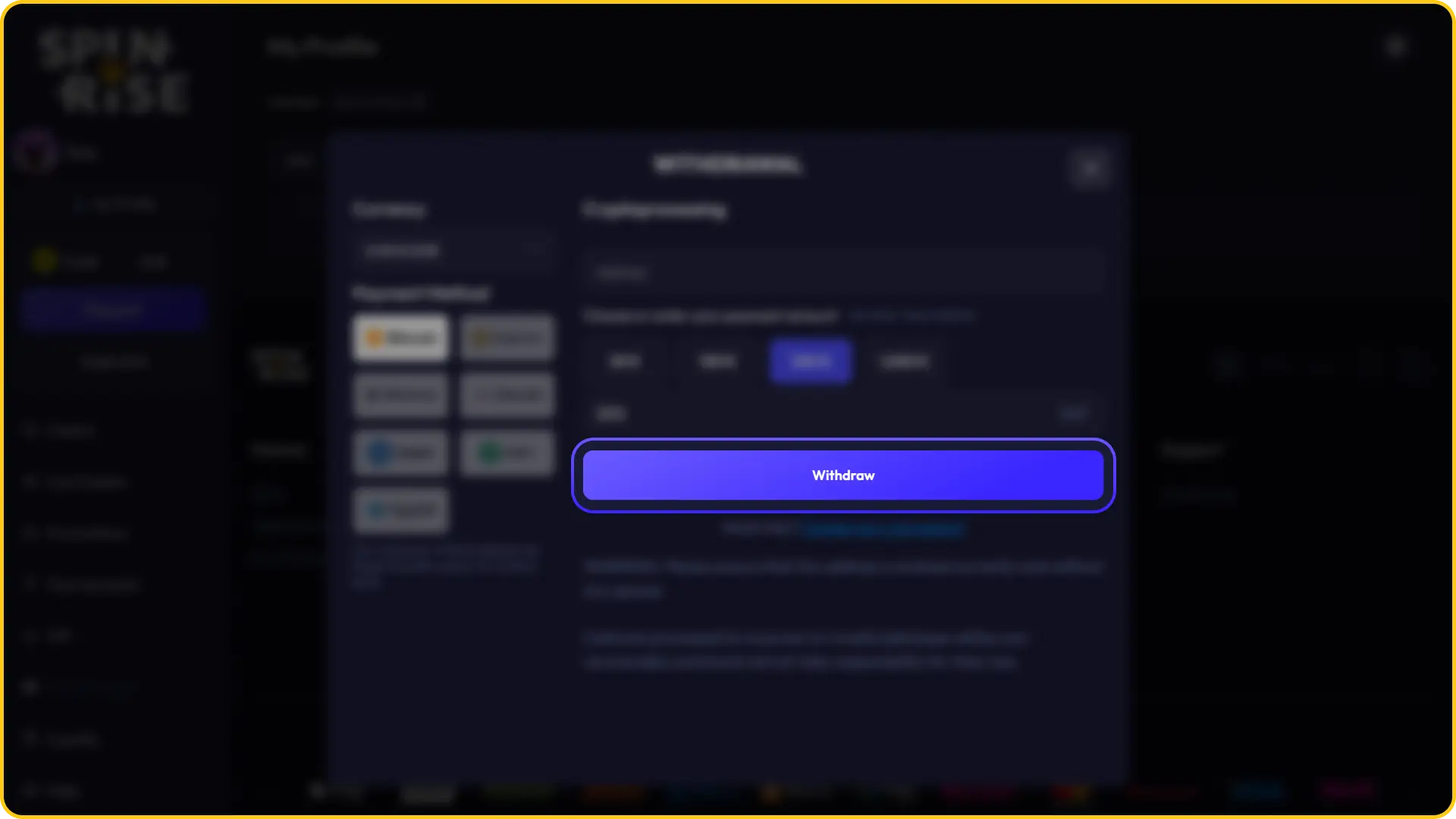
Confirm the Withdrawal
Review all details before submitting. Confirm the transaction through any security step prompted by the platform, such as email confirmation or two-factor authentication, if applicable to your account settings.
Wait for Processing
Once submitted, your withdrawal request enters the processing queue. Processing times vary by method. E-wallets and crypto transactions are typically faster, while bank transfers may take longer. You will receive a notification once the withdrawal is approved and dispatched.
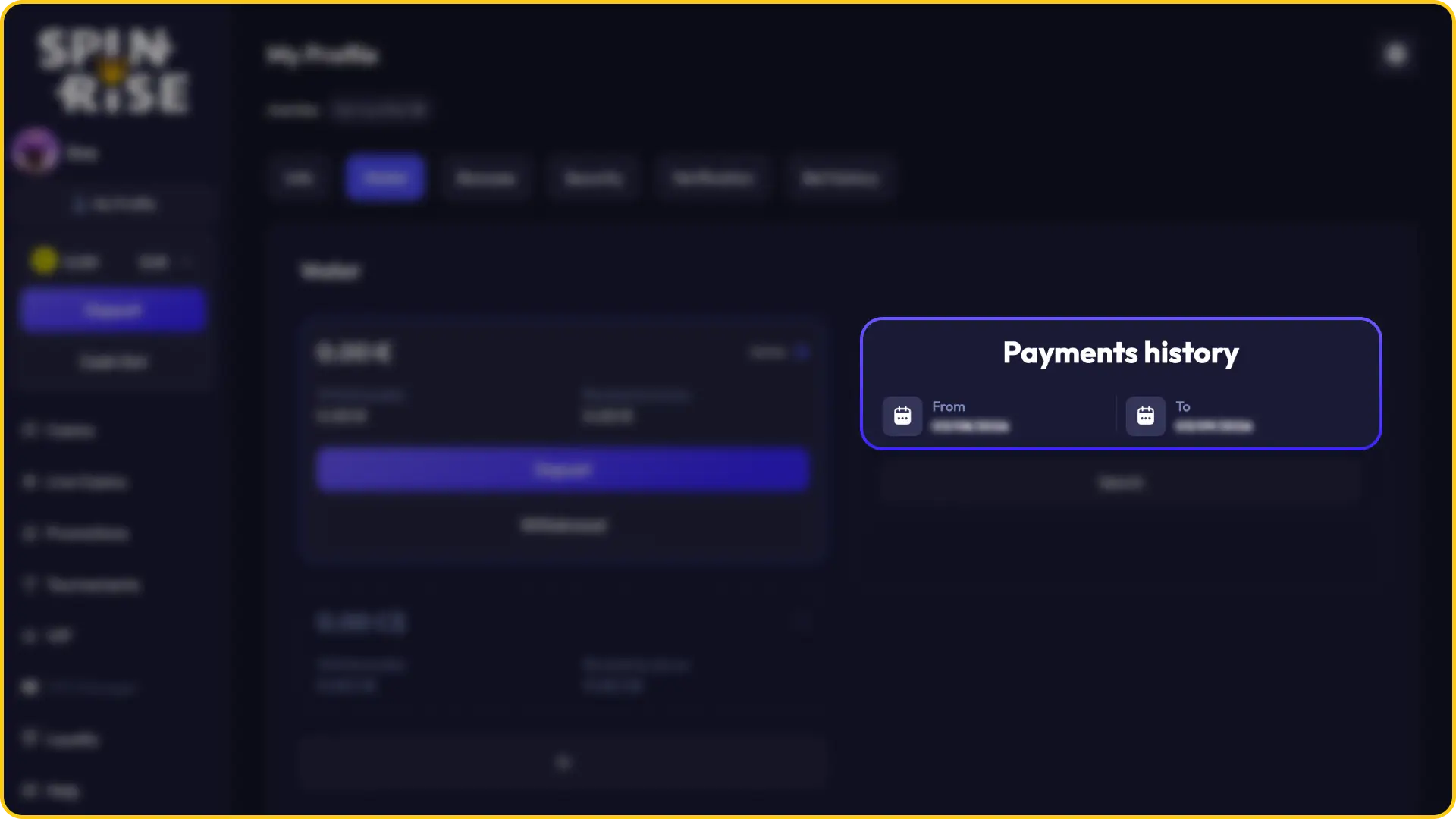
Spinrise Withdrawal Methods, Time and Limits
Spinrise offers 16 withdrawal methods across cards, e-wallets, bank transfers, vouchers, and crypto. The table below outlines the key conditions for each method currently available on the platform.
| Method | Type | Min. Withdrawal | Max. Withdrawal | Processing Time | Fee |
|---|---|---|---|---|---|
| Visa | Credit / Debit Card | USD 20 | USD 5,000 | 1–5 business days | None |
| Mastercard | Credit / Debit Card | USD 20 | USD 5,000 | 1–5 business days | None |
| Bank Transfer | Bank Transfer | USD 50 | USD 10,000 | 3–7 business days | May apply |
| Bitcoin (BTC) | Cryptocurrency | USD 20 equivalent | No set maximum | Up to 24 hours | Network fee only |
| Ethereum (ETH) | Cryptocurrency | USD 20 equivalent | No set maximum | Up to 24 hours | Network fee only |
| USDT (TRC-20 / ERC-20) | Cryptocurrency / Stablecoin | USD 20 equivalent | No set maximum | Up to 24 hours | Network fee only |
Spinrise Mobile App Withdrawal
The Spinrise app provides access to the withdrawal section on smartphones and tablets, with the same essential cashier functions available on the desktop version.
Open Site
Tap the app icon on your screen.

Tap the Account or Cashier Icon
Select the “Withdraw” option from the menu.
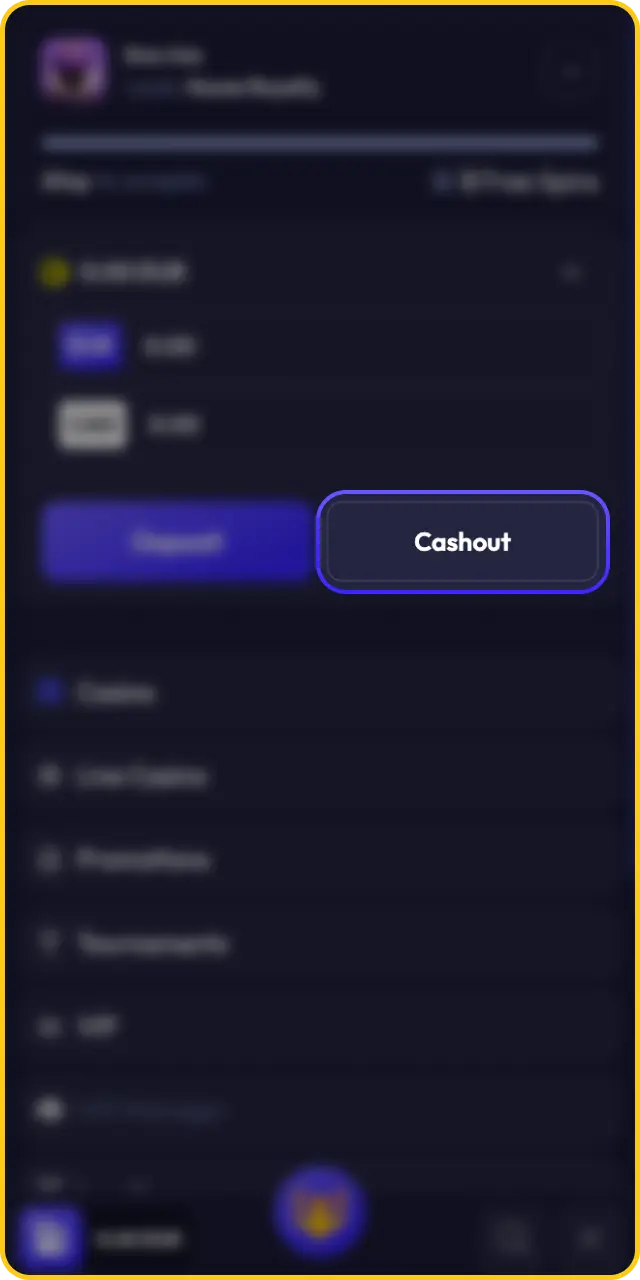
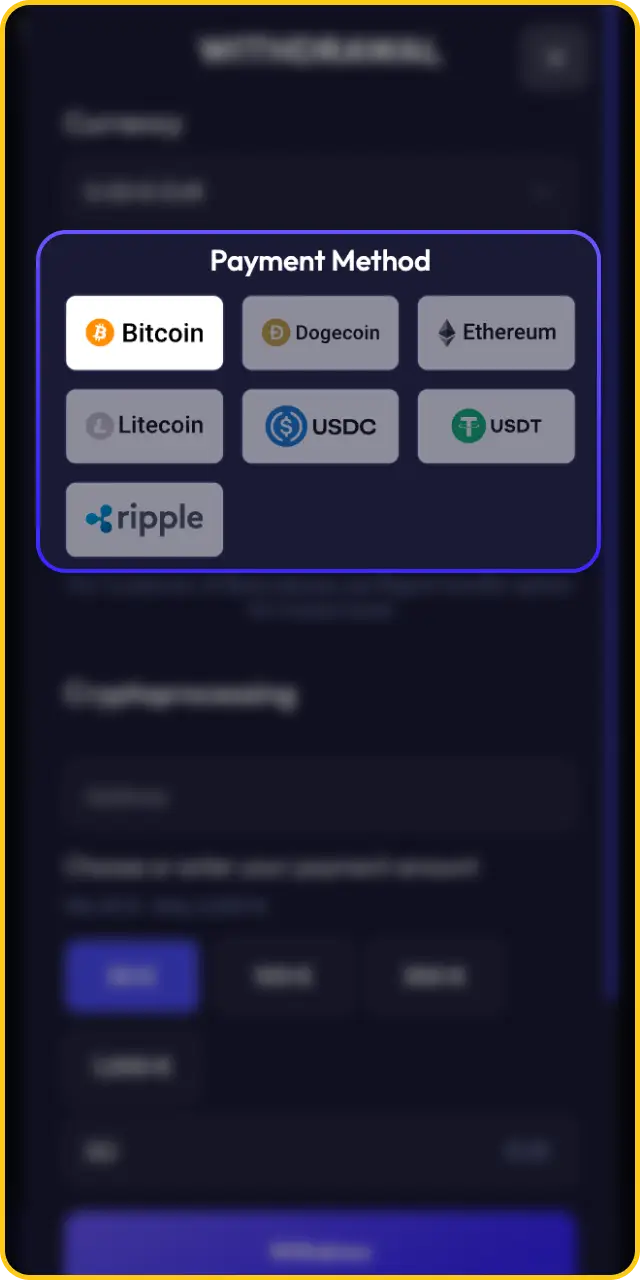
Choose Your Preferred Withdrawal Method
Enter the amount within the applicable limits, and confirm the transaction.
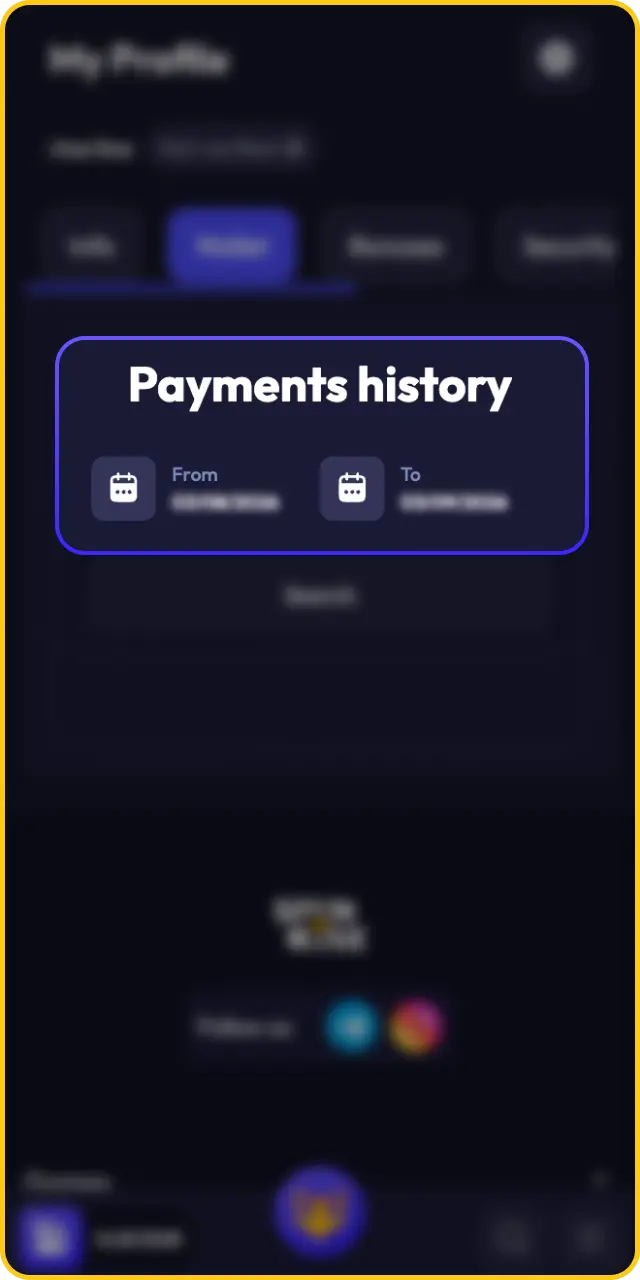
Check Transaction History
Monitor your withdrawal status through the transaction history section of your mobile account.
Common Withdrawal Problems and Solutions on Spinrise
If you encounter an issue with your withdrawal request, the Spinrise support team is available to assist you via live chat or email. The table below covers the most frequently reported withdrawal issues and how to resolve them.
| Problem | Solution |
|---|---|
| Withdrawal request pending beyond the expected processing time | Check your account verification status. If your account is fully verified, contact the support team with your transaction reference number for a status update. |
| Withdrawal declined due to incomplete verification | Submit the required KYC documents (government-issued ID, proof of address, and payment method proof) through your account profile. Requests are reviewed once all documents are approved. |
| Withdrawal amount below the minimum limit | Adjust the withdrawal amount to meet the minimum threshold for your chosen method. Minimum limits vary by payment option and currency. |
| Withdrawal blocked due to active bonus wagering requirement | Bonus funds and winnings derived from active bonuses cannot be withdrawn until the applicable wagering requirement is fully met. Check your bonus status in the promotions section. |
| Funds not received after a completed withdrawal | Allow the full processing period for your method to elapse. If funds have not arrived after the stated timeframe, contact your payment provider and then the Spinrise support team with your transaction ID. |
Enter the VIP Club and Enjoy Premium Rewards

Spinrise operates a VIP program that rewards consistent play with exclusive benefits not available to standard account holders. Membership is invitation-based, with eligibility assessed by the platform based on your activity and wagering history. VIP members receive access to dedicated account management, enhanced withdrawal conditions, personalised bonuses, and priority support. Specific tier names, progression criteria, and reward values are communicated directly to eligible players by the Spinrise team.
Start Earning More with the Affiliate Program

Spinrise runs an affiliate program that allows content creators, website operators, and media partners to earn commissions by referring new players to the platform. The program is managed through a dedicated affiliate portal where partners can track referrals, monitor performance, and access promotional materials. Commission structures and payment terms are outlined in the affiliate agreement available upon registration. Interested parties can apply through the affiliate section of the Spinrise website.
FAQ
Can I withdraw using a different method than the one I used to deposit?
Spinrise may require you to withdraw back to the same payment method used for your deposit, particularly for card payments. This policy is in place for anti-money laundering compliance. If your deposit method does not support withdrawals (such as CashtoCode or Neosurf), an alternative method may be offered. Confirm your options in the cashier section.
Is there a Spinrise minimum withdrawal amount?
The minimum withdrawal amount depends on the payment method and your account currency. Exact minimums are displayed in the cashier section at the time of your withdrawal request. There is no single universal minimum applied across all methods.
Do I need to verify my account before my first withdrawal is approved?
Yes. All withdrawal requests require a completed KYC verification before funds are released. You will need to provide a government-issued photo ID, proof of address, and in some cases proof of your payment method. Submitting these documents promptly avoids delays.
Does Spinrise charge fees on withdrawals?
Spinrise does not charge fees on withdrawals from the platform side. However, your payment provider or bank may apply their own transaction charges. CoinsPaid (crypto) withdrawals may incur a network fee, which is not controlled by the platform.
Can pending withdrawal requests be cancelled?
Withdrawal requests that have not yet been processed may be cancellable through the transaction history section of your account. Once a request has moved to an approved or dispatched status, cancellation is no longer possible. Contact the support team immediately if you need to reverse a pending request.
Updated:
Comments