
Spinrise Deposit Methods
Spinrise supports deposits through a selection of payment methods. You can fund your account using Visa, Mastercard, and a range of e-wallets. Supported transactions are processed securely, while minimum deposit thresholds and processing times vary by method, with many options credited instantly. All financial transactions on the platform are protected with SSL encryption to help safeguard your account balance and personal information.
How to Make a Deposit on Spinrise?
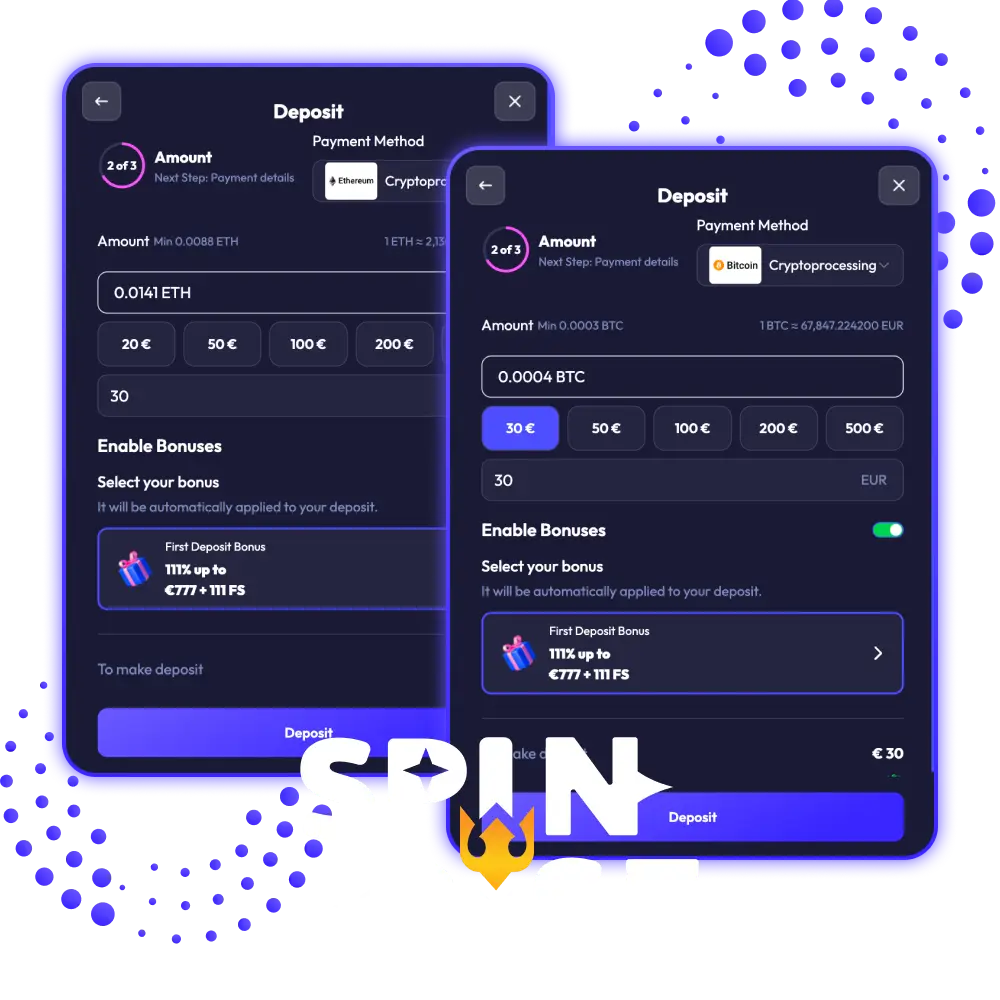
The deposit process on Spinrise is straightforward and takes only a few minutes to complete. Follow the steps below to add funds to your account.
Log In to Your Spinrise Account
Open the Spinrise website and log in using your registered email address and password. Your account dashboard will load once authentication is confirmed.

Select Deposit Type
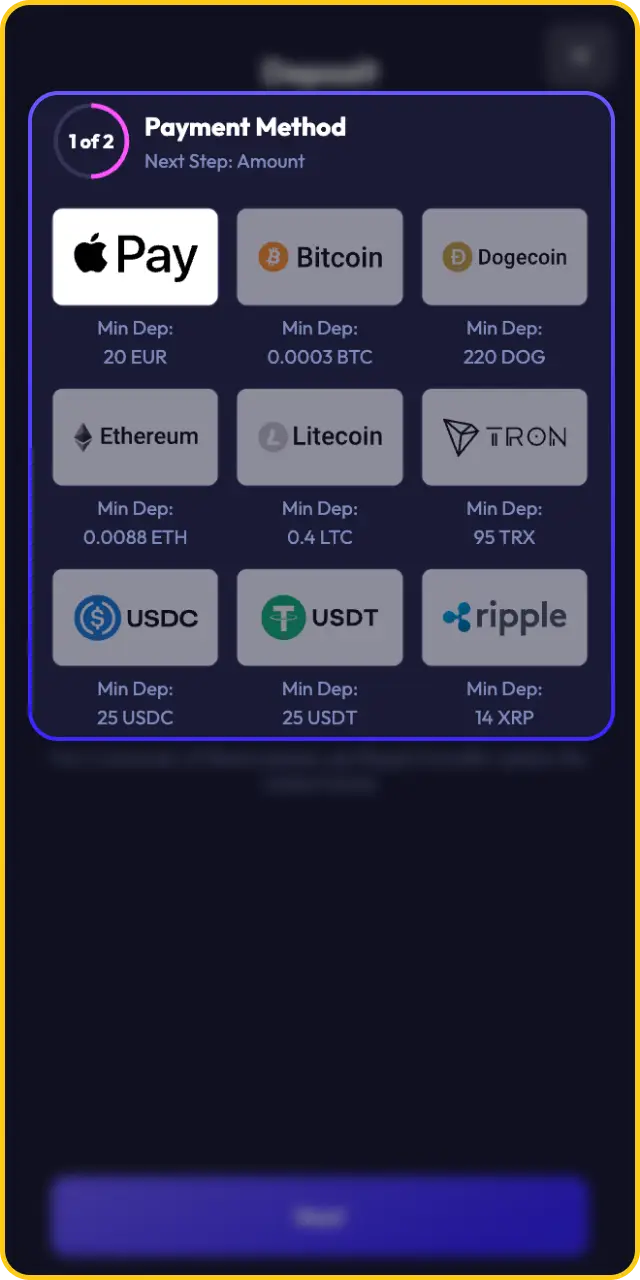
Navigate to the cashier section and choose your preferred payment method from the available deposit options. Select the method that suits your needs based on processing time and deposit limits.
Enter Deposit Amount
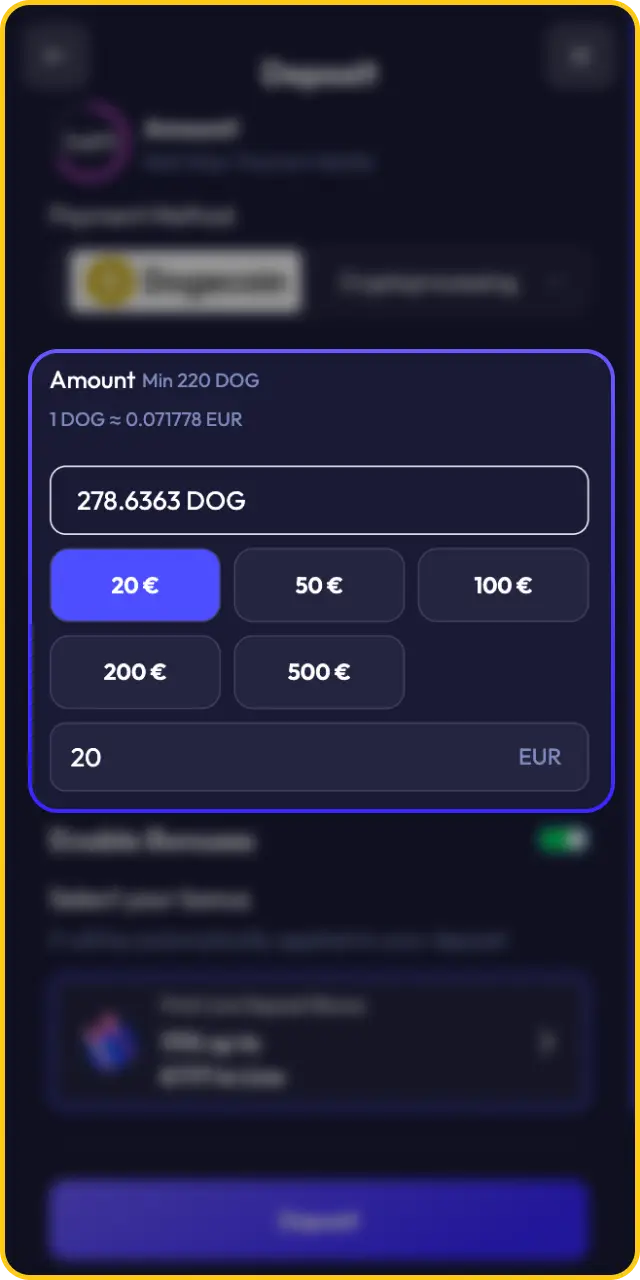
Type the amount you wish to deposit into the designated field. Ensure the amount meets the minimum deposit requirement for your chosen payment method.
Confirm Transaction Details
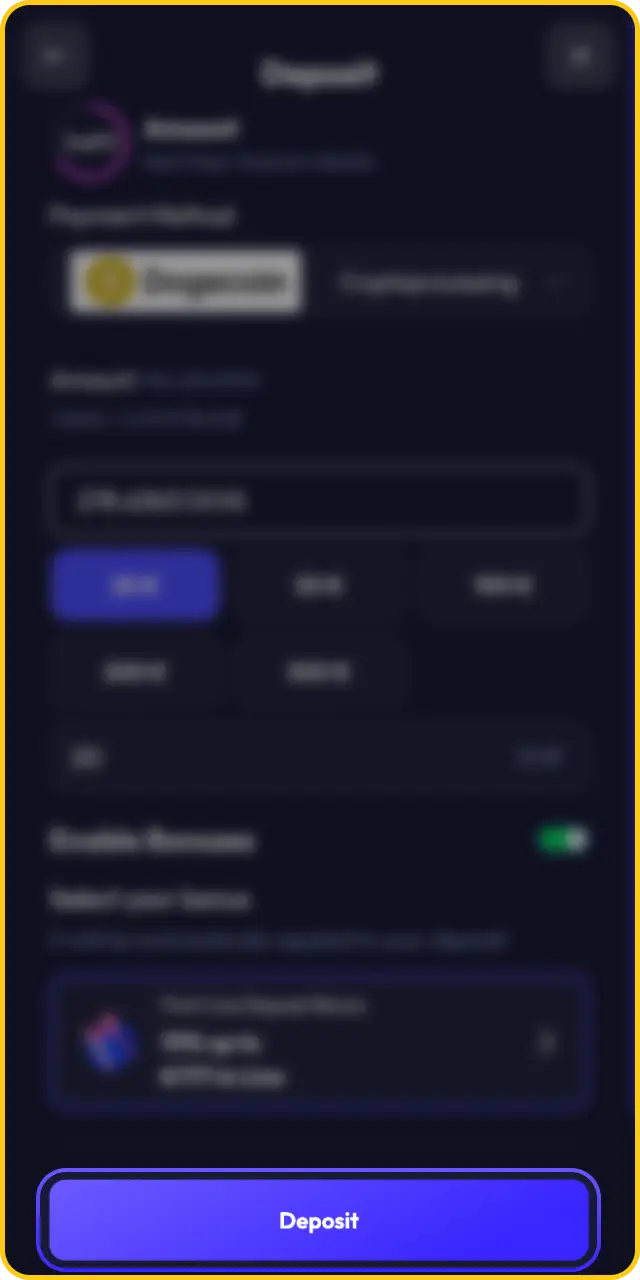
Review the deposit amount and payment method before proceeding. Follow any additional verification steps required by your selected payment provider to authorise the transaction.
Deposit Completed
Once the transaction is authorised, funds will be credited to your Spinrise account balance. You can proceed to place bets or play casino games immediately.
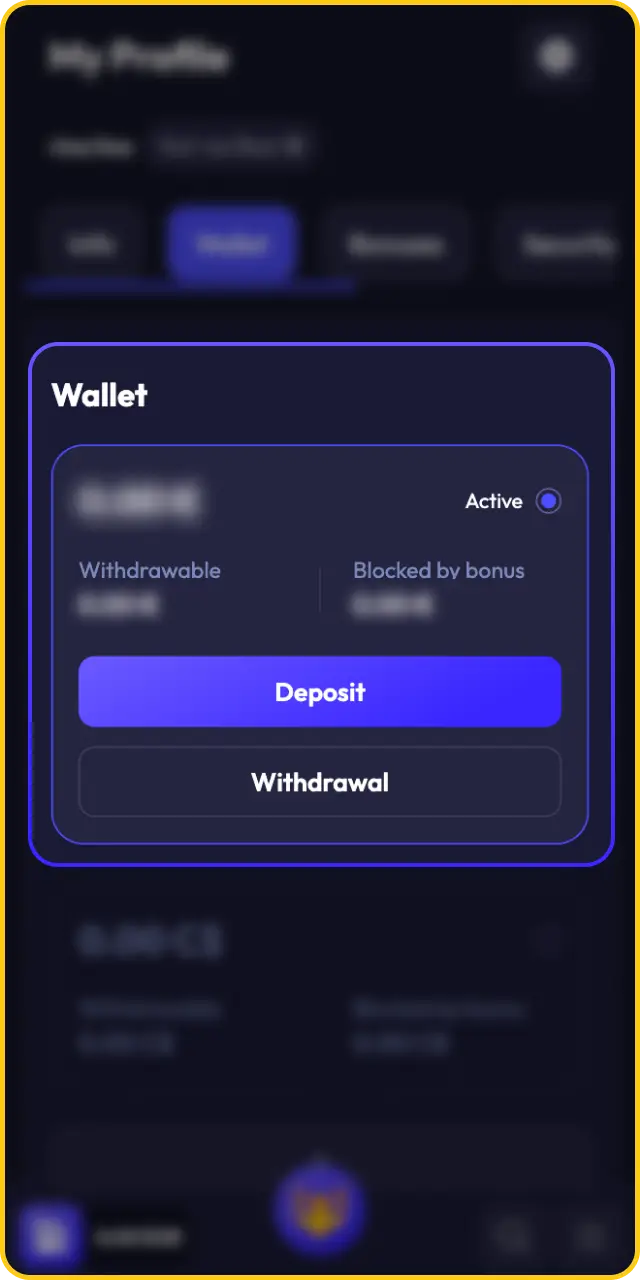
Payment Options for Depositing at Spinrise
Spinrise provides Australian players with a range of deposit methods covering cards, e-wallets, and bank transfer options. Each payment method carries its own minimum and maximum deposit limits, processing times, and fee structure. Review the table below to select the deposit method that best fits your account needs.
| Payment Method | Type | Minimum Deposit | Maximum Deposit | Processing Time | Fee |
|---|---|---|---|---|---|
| Visa | Card | EUR 10 | EUR 5,000 | Instant | None |
| Mastercard | Card | EUR 10 | EUR 5,000 | Instant | None |
| Skrill | E-wallet | EUR 10 | EUR 10,000 | Instant | None |
| Neteller | E-wallet | EUR 10 | EUR 10,000 | Instant | None |
| Bitcoin (BTC) | Cryptocurrency | EUR 20 | EUR 10,000 | Up to 30 minutes | Network fee |
| Ethereum (ETH) | Cryptocurrency | EUR 20 | EUR 10,000 | Up to 30 minutes | Network fee |
| Litecoin (LTC) | Cryptocurrency | EUR 20 | EUR 10,000 | Up to 30 minutes | Network fee |
Spinrise App Deposit
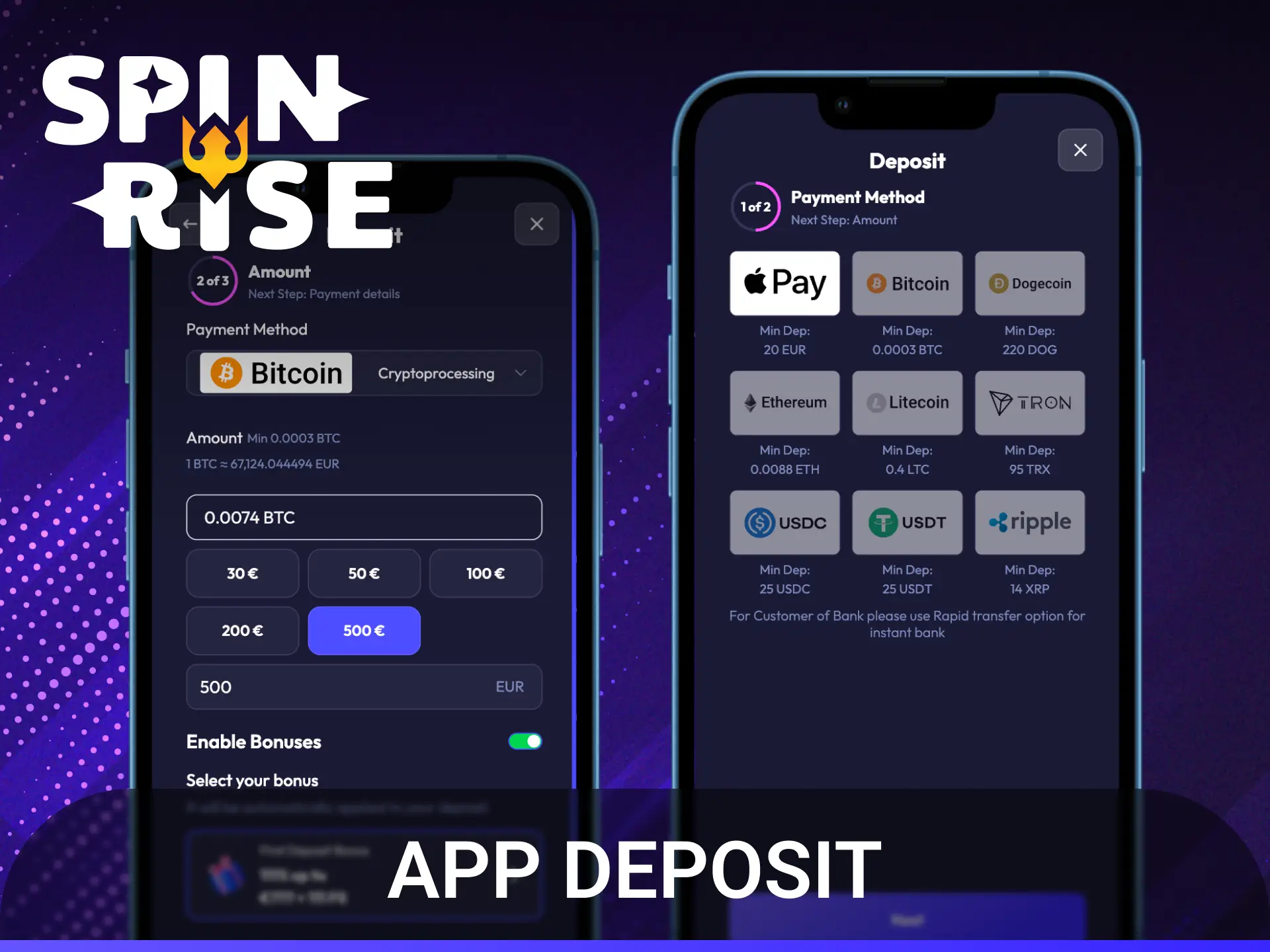
Spinrise does not currently offer a dedicated native iOS or Android application. The platform is fully accessible through the Spinrise app mobile experience in a browser on any smartphone or tablet, providing access to the complete deposit and account experience without requiring a download.
- Open your mobile browser and navigate to the Spinrise website.
- Log in to your account using your registered credentials.
- Tap the cashier or deposit icon within the account menu.
- Select your preferred payment method from the available options.
- Enter your deposit amount and confirm the transaction to credit your balance instantly.
Spinrise Deposit Time
Most deposits at Spinrise are credited to your account balance instantly after the transaction is authorised. Card and e-wallet deposits, including Visa, Mastercard, Skrill, and Neteller, are processed without delay. Bank transfer deposits follow standard banking timelines and may take up to 5 business days to appear in your account.
Use Your First Deposit Bonus
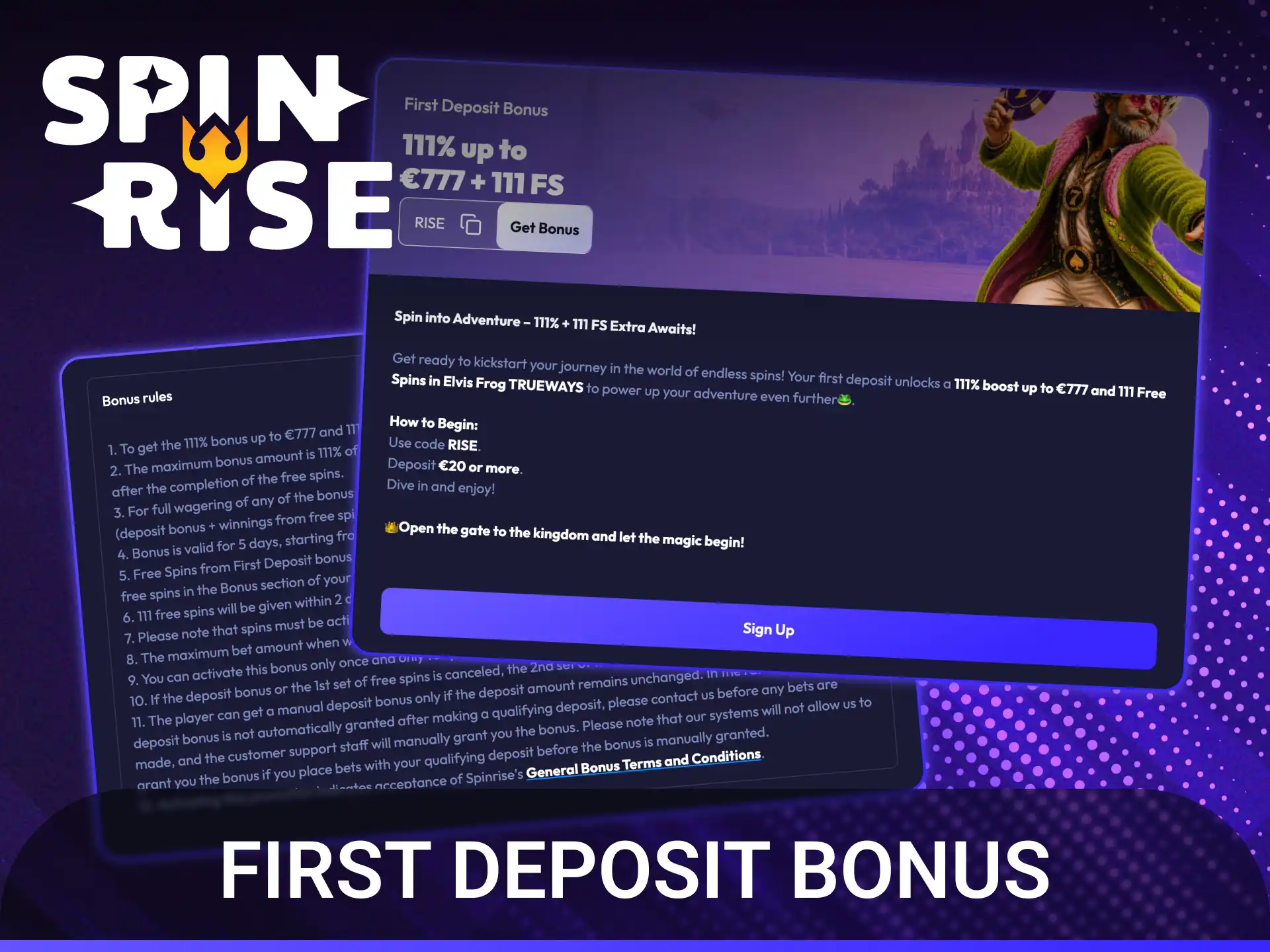
After completing your first deposit, Spinrise awards new players a welcome bonus of 111% up to EUR 777 plus 111 free spins. The bonus is automatically applied to your account once your first deposit is confirmed. Review the bonus terms and conditions in your account to confirm the minimum deposit required and any applicable wagering requirements before activating the offer.
How to Check Your Deposit History on Spinrise
Tracking your deposit history helps you monitor your account activity and verify that all transactions have been processed correctly. Follow the steps below to access your transaction records.
- Log in to your Spinrise account.
- Navigate to the account or profile section from the main menu.
- Select the “Transaction History” or “Payment History” option.
- Filter the results by date range or transaction type to locate specific deposits.
- Review the status, amount, payment method, and date for each recorded deposit.
Deposit Issues at Spinrise
Contact the Spinrise support team directly if you encounter any problems with a deposit or payment processing on your account. The following support channels are available to Australian players:
- Live Chat: available directly on the Spinrise website for instant assistance;
- Email Support: submit a detailed query to the support team via the contact form or registered support email address.
F.A.Q
What deposit methods are available at Spinrise?
Spinrise accepts deposits via Visa, Mastercard, Skrill, Neteller, and bank transfer. All methods are available to registered Australian players through the cashier section.
Is there a minimum deposit at Spinrise?
The specific minimum deposit amount varies by payment method. Check the cashier section of your account for the current minimum deposit threshold associated with your selected method.
How long does a deposit take to process?
Card and e-wallet deposits, including Visa, Mastercard, Skrill, and Neteller, are credited to your account instantly. Bank transfer deposits may take up to 5 business days depending on your bank.
What do I do if my deposit has not been credited?
If funds have not appeared in your account balance after the expected processing time, contact the Spinrise support team via live chat or email. Provide your transaction reference number to help the team investigate quickly.
Are there deposit fees at Spinrise?
Spinrise does not publish standard fees for deposit transactions. Check the cashier section or contact customer support to confirm whether any fees apply to your preferred payment method.
Updated:
Comments