






Registration at Spinrise — Account Setup and Verification

A registered account is your access point to every feature on the platform: casino games, promotions, and withdrawals. Creating your account takes only a few minutes and requires accurate personal details to ensure your funds and identity are protected. Entering correct information from the start prevents issues during verification and withdrawal processing. Complete your Spinrise registration now to claim your welcome offer and get started.

Sign up at Spinrise online casino in just a few clicks.

Create Your Spinrise Account Easily

The registration process on this platform is straightforward and designed to get you playing as quickly as possible. The steps below reflect the current sign up flow available on Spinrise. Follow each step carefully to ensure your new account is set up correctly from the beginning.

Step 1

Open the Spinrise Website

Navigate to the official Spinrise site using any current web browser. Click the “Sign Up” or “Register” button displayed prominently in the top navigation area of the homepage to open the registration form.

Visit the official site to begin the Spinrise registration process on your device.
Step 2

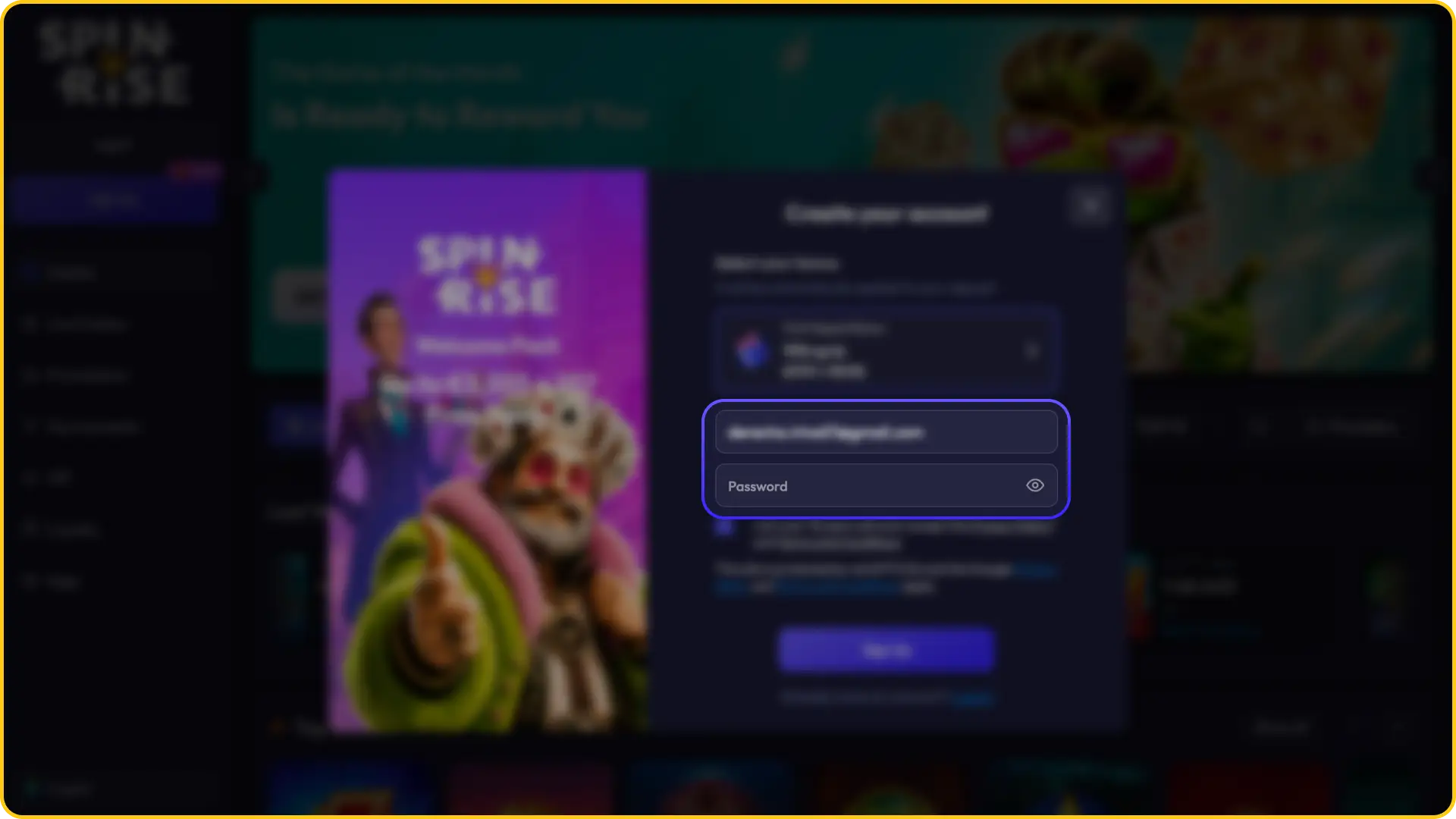
Go Through the Registration Process

The registration form requires you to provide your email address and create a password. You will also need to enter your personal details, including your first name, last name, date of birth, and current residential address, to complete the account creation form.

Fill in all required account details during the Spinrise registration steps.
Step 3

Confirm Your Age and Accept Terms

Before submitting the form, you must confirm that you are at least 18 years of age. You are also required to accept the applicable Terms and Conditions and Privacy Policy. Registration is only permitted for users who meet the minimum age requirement under the platform’s licensing terms.

Tick the required boxes to complete legal age confirmation for Spinrise registration.
Step 4

Complete the Registration

Once all fields are filled in and the required confirmations are checked, submit the form to finalise your account. A confirmation email may be sent to the address you provided to activate your account. It is essential that every detail you enter is accurate and matches your official identity documents. Account details entered during registration cannot be changed after the process is complete. Inaccurate information can result in failed verification and blocked withdrawals.

Submit your account form to finalize your Spinrise registration and start playing.

How to Register via Mobile App?

Spinrise is accessible via mobile browser on both Android and iOS devices, allowing you to complete the full registration process directly from your smartphone. The mobile registration form mirrors the desktop experience and requires the same information to create your account.

Step 1

Open the App and Tap “Sign Up”

Open the platform through Spinrise app if available for your device. Tap the “Sign Up” or “Register” button at the top of the screen to access the account creation form.

Tap the main sign up button to initiate your Spinrise app registration process.
Step 2

Filling Out the Registration Form

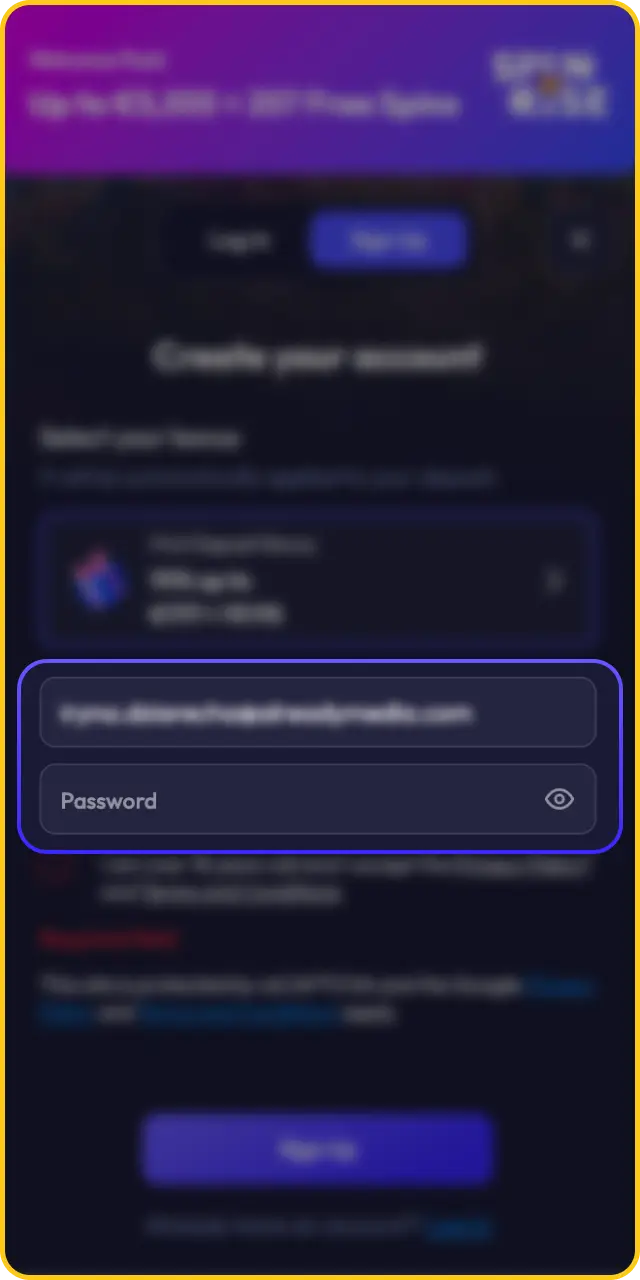
Enter your email address, create a secure password, and provide your personal details including your full name, date of birth, and residential address. All fields are required to proceed with the mobile Spinrise registration.

Fill in all required personal details during the Spinrise app registration phase.
Step 3

Confirm Your Age and Accept the Terms

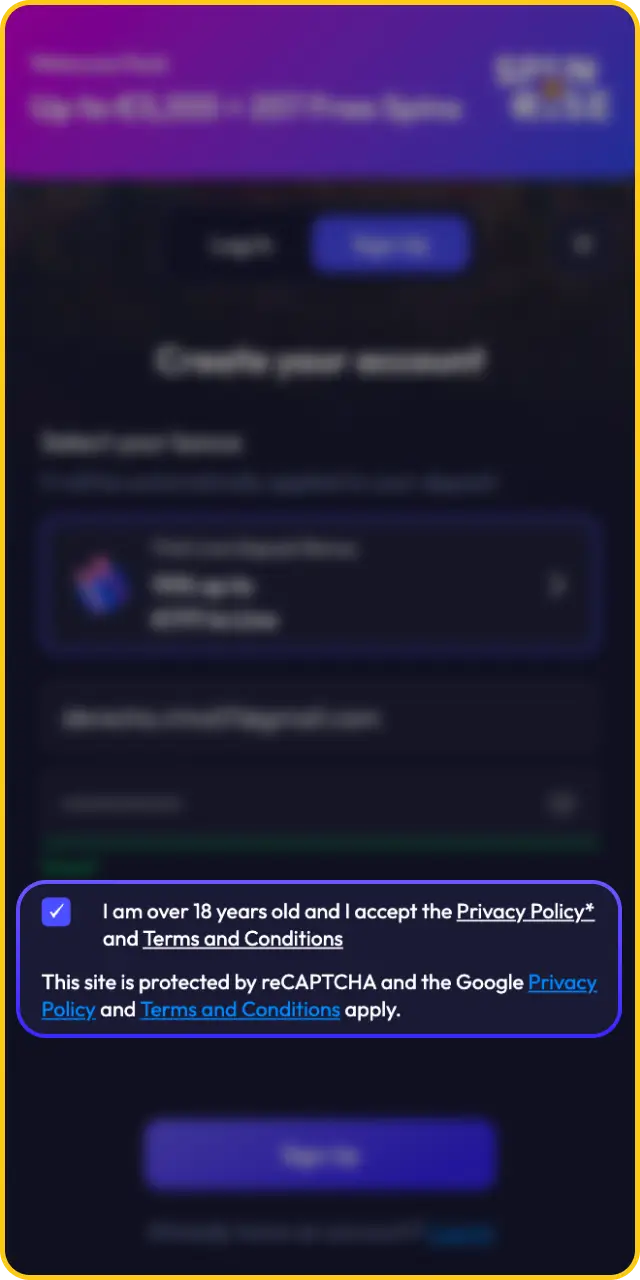
Tick the required confirmation boxes to verify that you are 18 years of age or older. You must also accept the Terms and Conditions and Privacy Policy before your account can be created.


Agree to the terms and verify your legal age for Spinrise app registration.
Step 4

Completing the Registration

Submit the completed form to finalise your new account. Once registration is confirmed, you gain immediate access to the full platform, including available promotions and your welcome bonus offer.

Submit your information to complete your Spinrise app registration and unlock games.

Bonus for Spinrise New Players

New players who complete the Spinrise sign up process are eligible for a welcome offer upon their first deposit. The bonus is credited to your account after registration is finalised and the qualifying deposit is made. Review the current promotion terms in your account to confirm eligibility and any wagering conditions that apply.

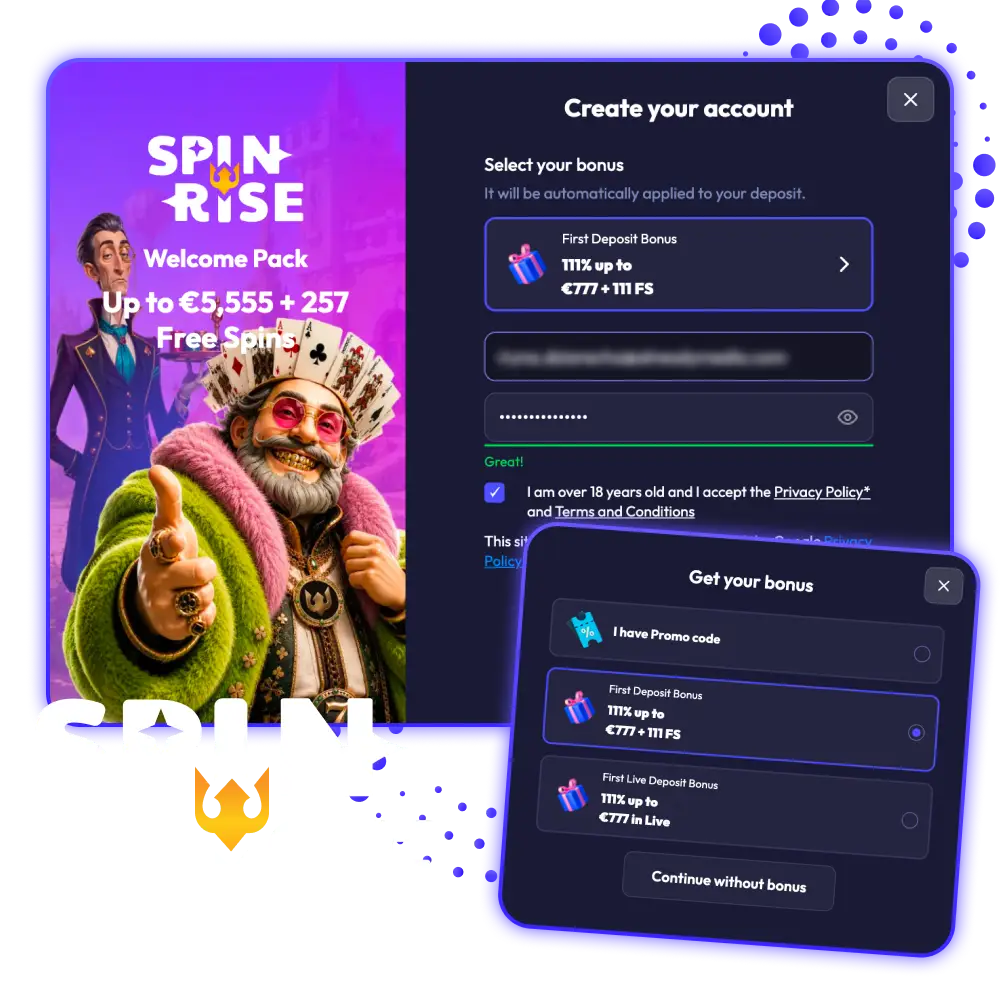
Receive an extra 111% match plus free spins with the Spinrise promotions deal.

Spinrise offers new players a 111% deposit match bonus up to 777 EUR, alongside 111 free spins on eligible slot titles. The offer is activated on your first real money deposit, subject to a minimum deposit threshold. Free spins and bonus funds carry wagering requirements that must be met before any associated winnings can be withdrawn. Check the Promotions page for the complete and current bonus terms, including eligible games and expiry conditions.

Welcome Package: 111% up to 777 EUR + 111 Free Spins

How to Complete Verification and What Documents Are Needed

Account verification, also known as KYC (Know Your Customer), is a standard requirement across licensed online gambling platforms. Spinrise may request identity verification before processing withdrawal requests or at any point deemed necessary by the compliance team. To verify your account, you will need to submit a government-issued photo ID such as a passport or national identity card, along with proof of residential address in the form of a recent utility bill or bank statement dated within the last three months. In some cases, a selfie holding your ID document may also be requested to confirm that the account holder matches the submitted documents. Completing verification promptly prevents delays when you request a payout.

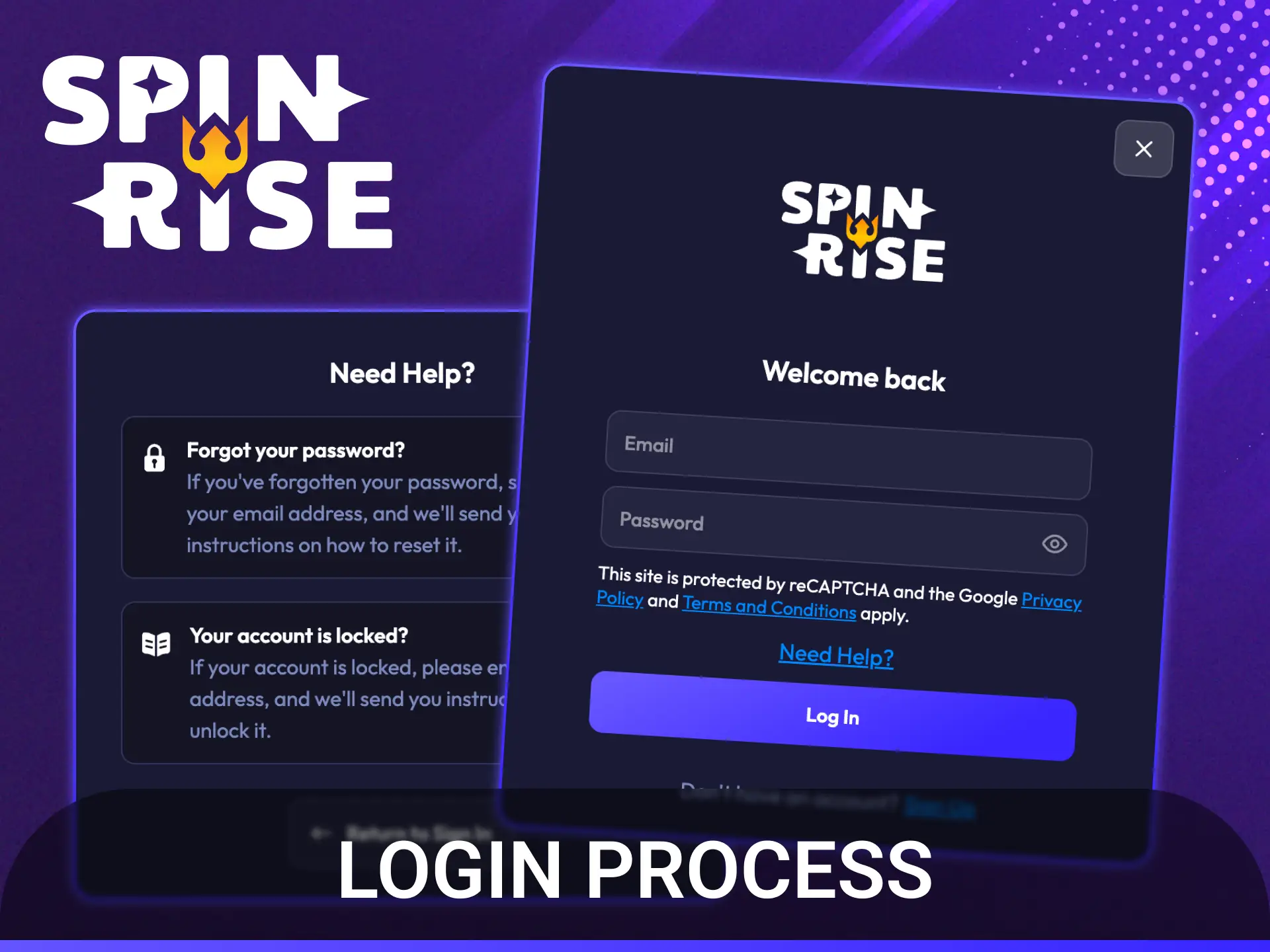
Spinrise Login Process

Follow simple steps to complete the Spinrise login process and access your account.

Accessing your account after registration is straightforward. The login interface is available on both desktop and mobile versions of the platform. Follow the steps below to sign in to your existing account.

  1. Navigate to the official Spinrise website or open the platform via your mobile browser.
  2. Click or tap the “Log In” button located in the top right corner of the homepage.
  3. Enter the email address you registered with and your account password in the designated fields.
  4. Click “Log In” or “Sign In” to submit your credentials and access your account dashboard.
  5. If two-factor authentication or additional security verification is active on your account, complete the prompted verification step before access is granted.

Registration Requirements and Conditions

Before creating a new account, review the eligibility conditions that apply to all users on the platform. The following requirements must be met to complete Spinrise registration online:

  • You must be at least 18 years of age at the time of registration;
  • Only one account per person, household, IP address, and device is permitted;
  • All personal information submitted during registration must be accurate and match your official identity documents;
  • You must not be a resident of any jurisdiction where access to the platform is restricted or prohibited under local law;
  • By completing the sign up process, you confirm acceptance of the full Terms and Conditions and Privacy Policy;
  • Account verification documents may be requested at any stage, including prior to processing withdrawals.

How to Recover Your Spinrise Account?

If you cannot access your account, use the “Forgot Password” link available on the login page. Enter the email address associated with your registered account, and a password reset link will be sent to that address. Follow the instructions in the email to set a new password and regain access. If you no longer have access to your registered email address or experience other account access issues, contact the Spinrise support team directly through the live chat or email support channel available on the platform.

Sign Up and Become a VIP Member

Sign up today to gain Spinrise registration benefits and unlock elite VIP status.

Registered players at Spinrise are eligible to participate in the platform’s VIP and loyalty program, which rewards consistent play across both the casino and sportsbook sections. Progression through VIP levels is based on your wagering activity, with higher tiers granting access to increased bonuses, dedicated account management, faster withdrawal processing, and exclusive promotions. The program is open to all registered users, and your status updates automatically as you accumulate qualifying activity on the platform.

F.A.Q

Can I register more than one account on Spinrise?

No. Each player is permitted a single account only. Duplicate accounts are identified and may be closed in accordance with the platform’s Terms and Conditions, with associated balances forfeited.

Is a bonus code required to claim the welcome offer after registration?

The current welcome package of 111% up to 777 EUR plus 111 free spins is activated on your first deposit. Check the Promotions page or the bonus section in your account dashboard to confirm whether a promo code is required at the time of deposit.

How long does account verification take?

Verification timelines depend on the documents submitted and the volume of pending requests. Submitting clear, valid documents in the correct format helps the process complete faster. You will receive a notification once your account is verified.

Can I change my personal details after completing registration?

Personal information entered during account creation cannot be changed after registration is finalised. Enter all details accurately during the sign up process, as errors can prevent successful verification and withdrawals.

Are there any deposit requirements to activate the welcome bonus?

Yes. The welcome offer is triggered by your first qualifying real money deposit, subject to a minimum deposit amount. Full terms including the minimum deposit threshold, wagering requirements, and eligible games are listed on the Promotions page.

Comments

The value is incorrect

The value is incorrect

The value is incorrect

Something went wrong. Please, try again later

Your comment has been sent!

Updated: