Sign Up or Log In
Create a new account or log in to an existing one using the “Sign Up” or “Log In” button on the Spinrise homepage.

The Spinrise mobile casino delivers instant access to slots, live casino tables, and sports betting from any smartphone or tablet. The platform runs via a Progressive Web App (PWA) on both Android and iOS, requiring no download from an app store. New players can claim a welcome bonus on their first deposit. Register an account now to start playing on Spinrise mobile.
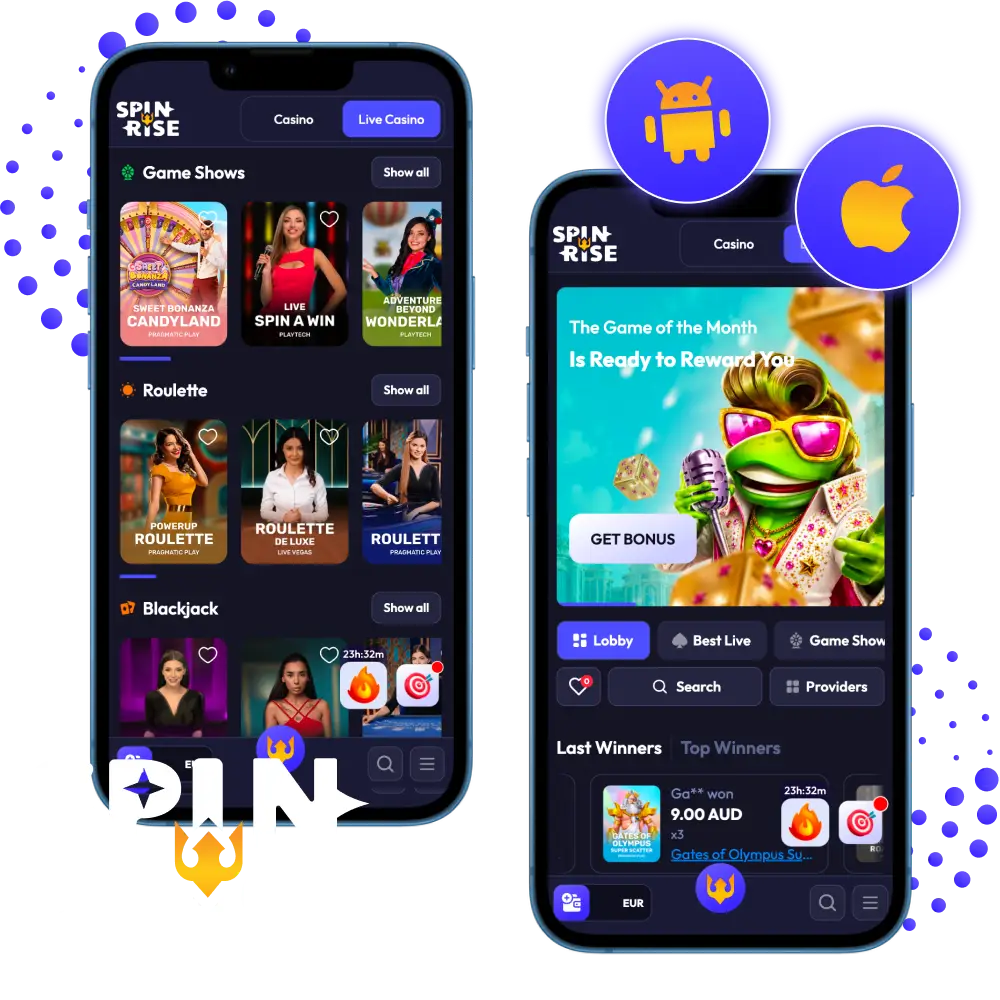
The Spinrise mobile experience is delivered through a PWA, accessible directly from a mobile browser on both Android and iOS devices with no third-party installation required.
| Release Date 2024 | Platform PWA (Android and iOS) |
| Compatibility Android 8.0+, iOS 14.0+ | Games Available 5,000+ slots, live casino, and table games |
| Payment Methods Visa, Mastercard, Skrill, Neteller, cryptocurrencies | Bonuses Welcome bonus on first deposit, ongoing promotions |
| Customer Support 24/7 live chat and email |
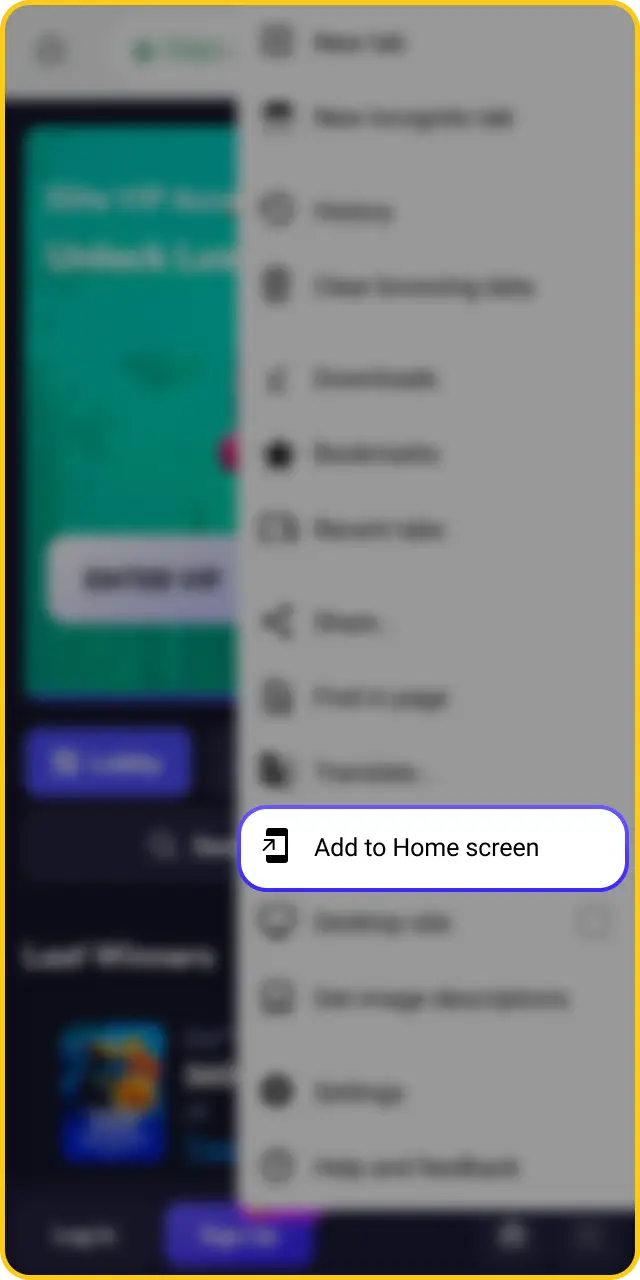
Spinrise does not offer a native Android application or APK file. The platform is accessible on Android through a PWA, which can be added to the home screen directly from the mobile browser. This method requires no additional software permissions or sideloading.
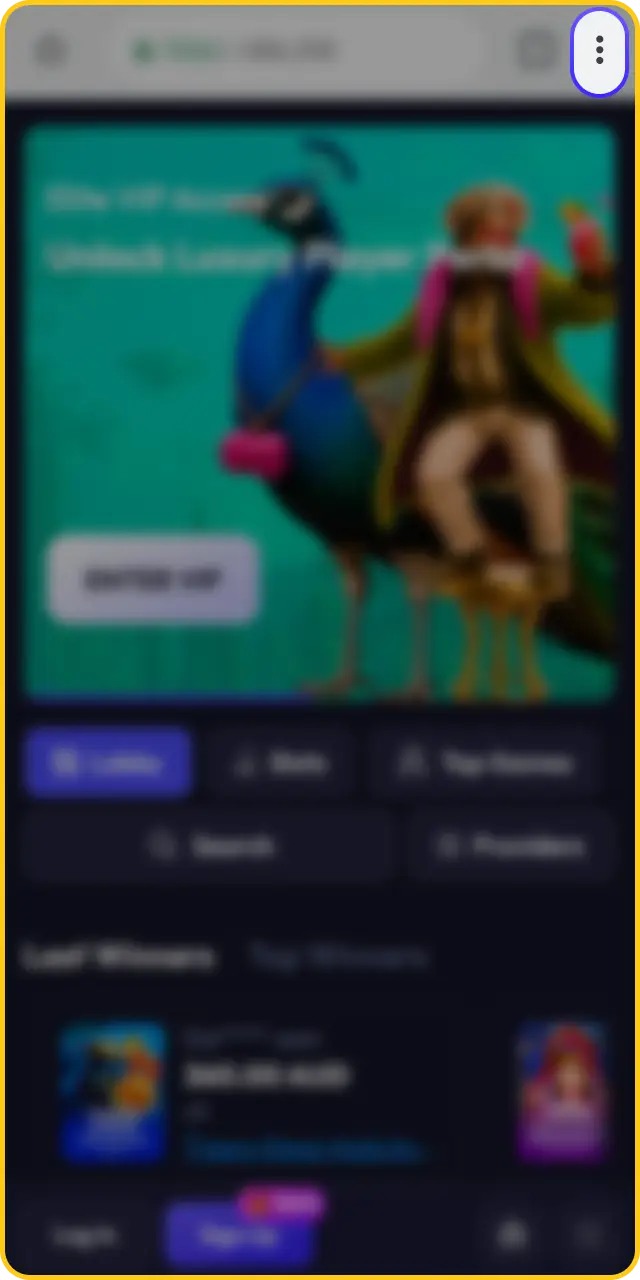
Tap the menu button on the site and select “Install Application”.
In the pop-up window, read through the key features and tap the blue “Install Application” button.
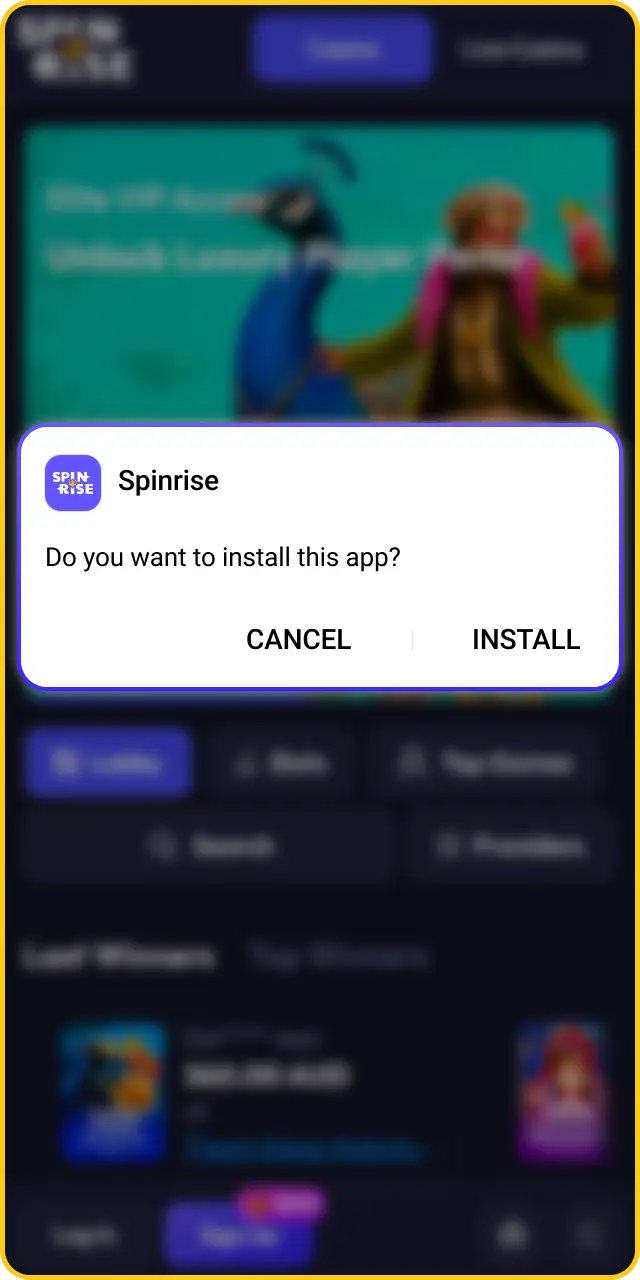
When your browser prompts you with the app preview, tap “Install” to add the shortcut straight to your home screen.
The official Spinrise casino app is not currently listed on the Google Play Store. Google Play’s policies restrict real-money gambling applications in most regions, which prevents Spinrise from publishing a native Android app through this channel.
Android users can access the full Spinrise platform through the PWA. The PWA loads directly in Chrome, supports all casino and betting features available on desktop, and can be pinned to the home screen for one-tap access — no APK installation needed.
The Spinrise PWA is built to run on most modern Android devices with an up-to-date browser and a stable internet connection.
| Field | Minimum Requirement |
|---|---|
| Version | Android 8.0 (Oreo) or later |
| Processor | 1.4 GHz quad-core or equivalent |
| RAM | 2 GB or more |
| Free Space | 100 MB (browser cache only, no installation file) |
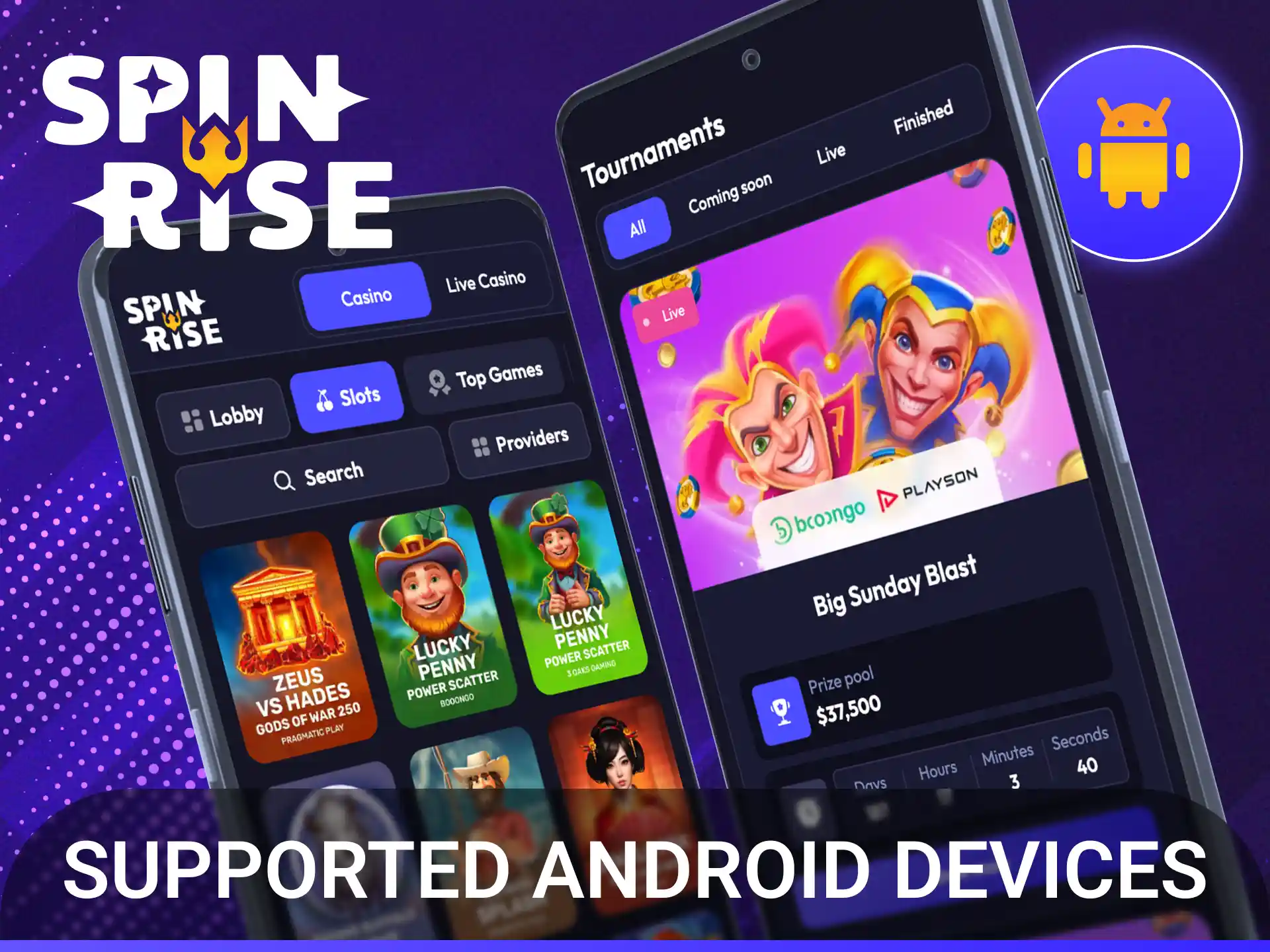
The Spinrise PWA is compatible with any Android device running Android 8.0 or later and a current version of Chrome or Firefox. The following devices are confirmed to meet the minimum technical requirements:
Open Safari on your iPhone or iPad and visit the Spinrise website.
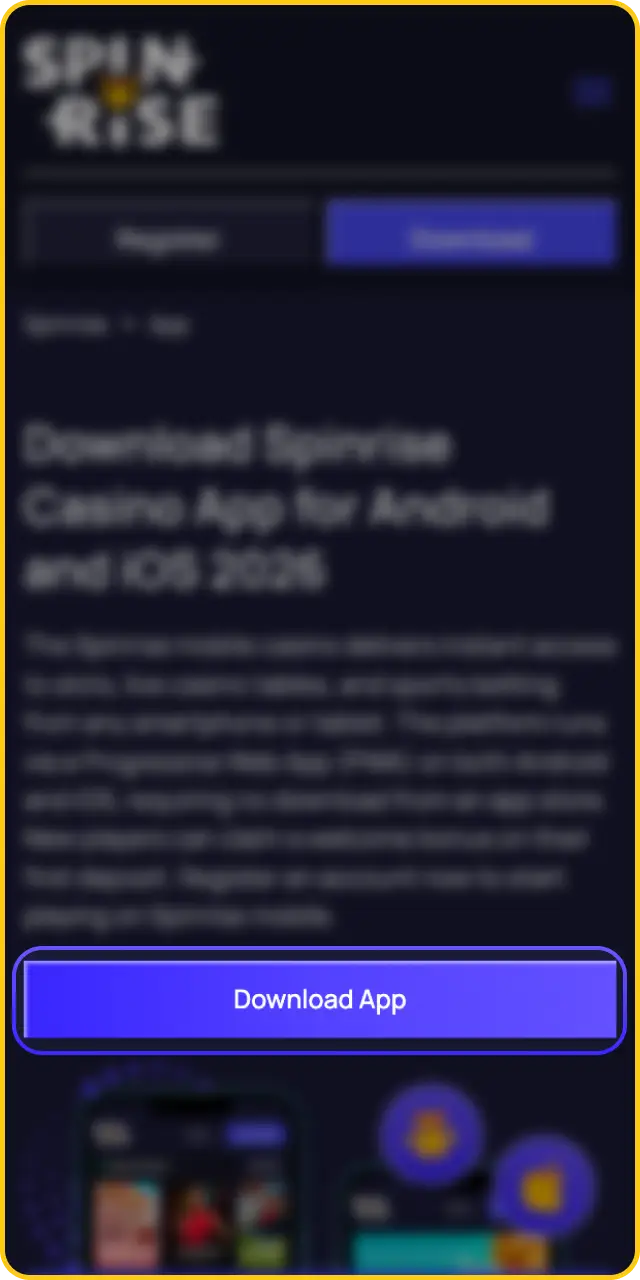
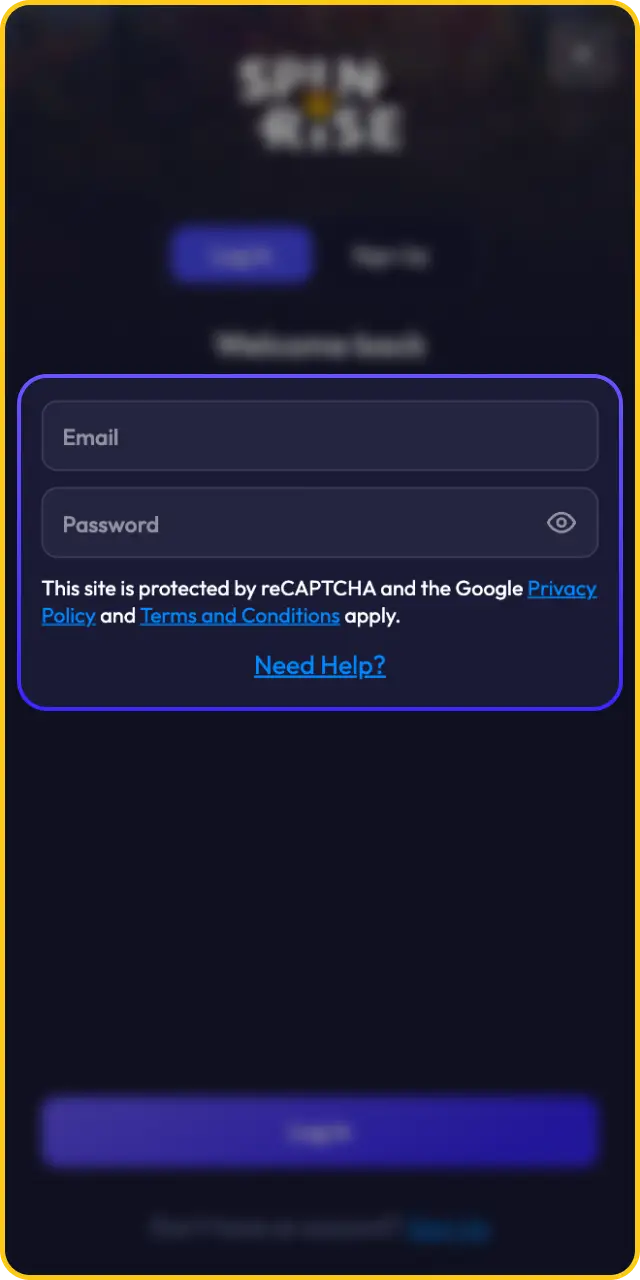
Log in to an existing account or complete the quick registration form to create a new one.
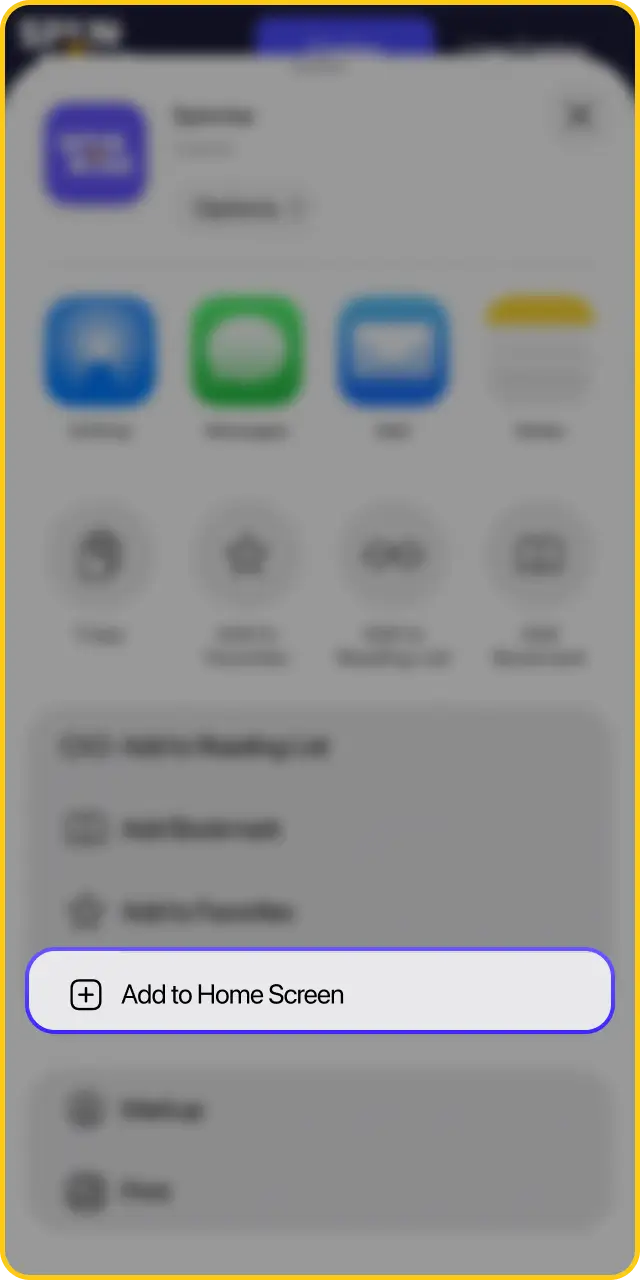
Tap the Share icon at the bottom of the Safari browser toolbar.

Select “Add to Home Screen” from the share sheet and confirm to save the Spinrise PWA icon.
Tap the Spinrise icon on your iOS home screen to launch the platform instantly and start playing.
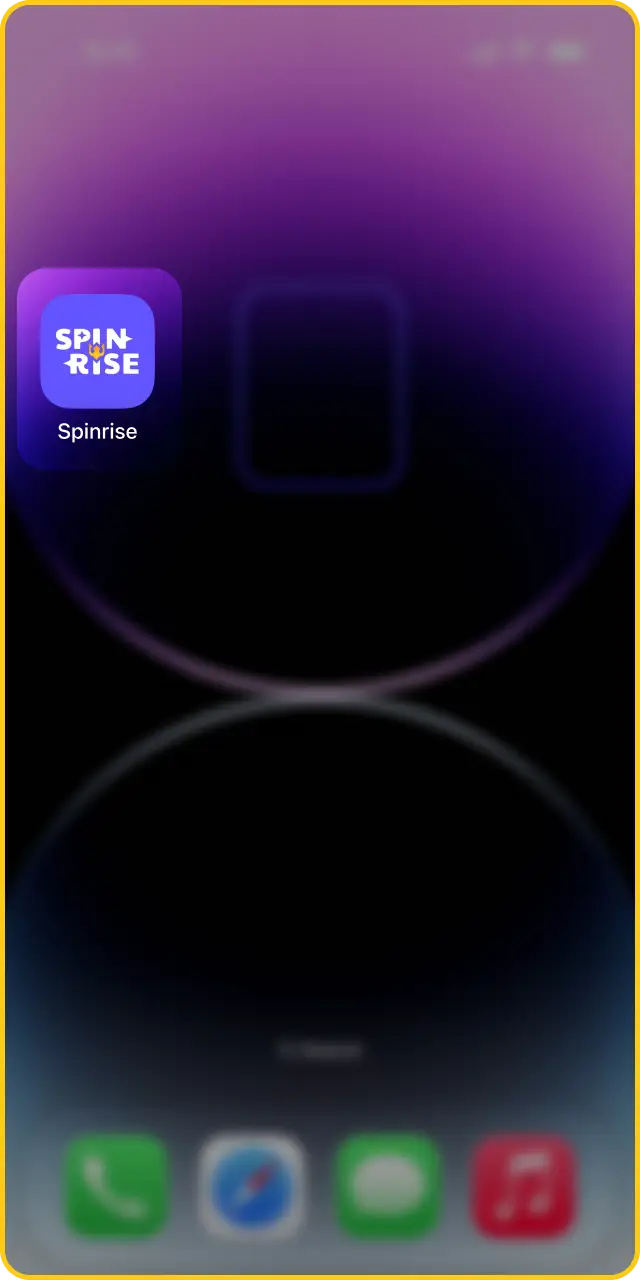
No native Spinrise application is currently listed on the Apple App Store. App Store guidelines impose regional restrictions on real-money gambling apps, which limits direct distribution through this channel.
All iOS features are available through the Spinrise PWA, accessed via Safari. The PWA supports account registration, deposits, withdrawals, live casino, slots, and sports betting without requiring an App Store download or device storage beyond browser cache.
The Spinrise PWA performs reliably on iPhones and iPads running iOS 14.0 or later, using Safari as the primary browser.
| Field | Minimum Requirement |
|---|---|
| Version | iOS 14.0 or later |
| Processor | Apple A12 Bionic chip or newer |
| RAM | 3 GB or more |
| Free Space | 100 MB (browser cache only, no installation file) |
The Spinrise PWA is optimised for all Apple devices running iOS 14.0 or later, covering the majority of iPhones and iPads released from 2018 onward. The following devices are fully compatible:
Returning players can access their Spinrise account through the mobile PWA using their registered email and password. The login process is direct and requires no additional authentication steps unless two-factor authentication has been enabled.
Open the Spinrise PWA from your mobile browser or home screen shortcut.
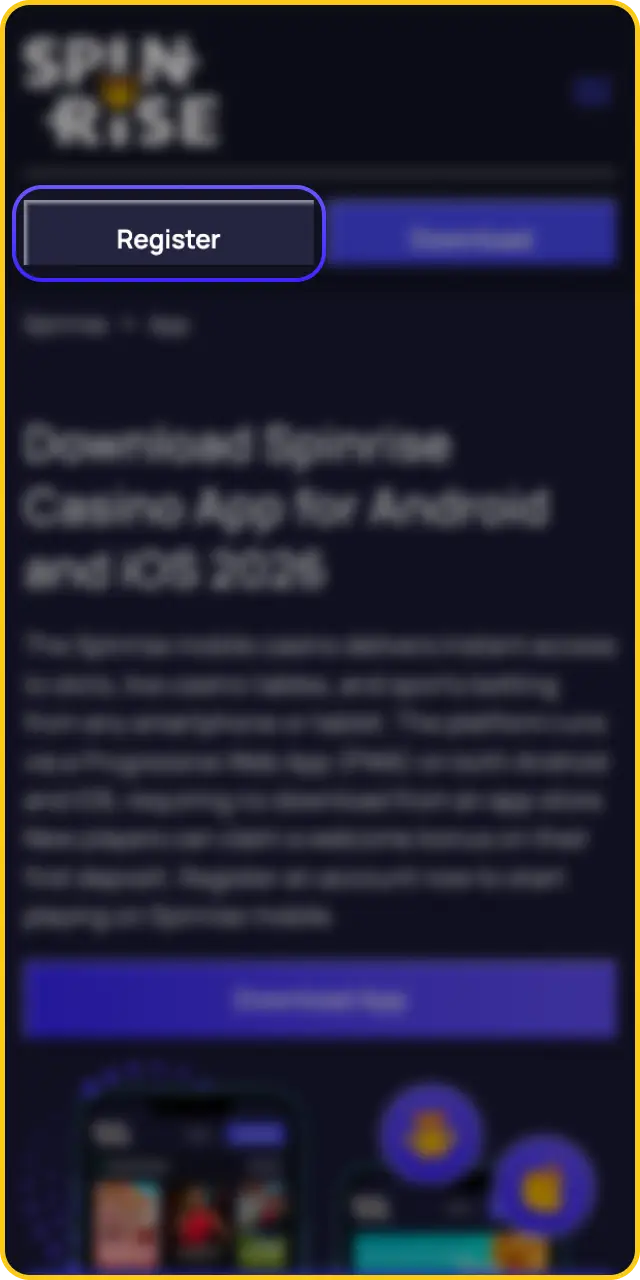
Tap the “Log In” button on the homepage.

Enter your registered email address.
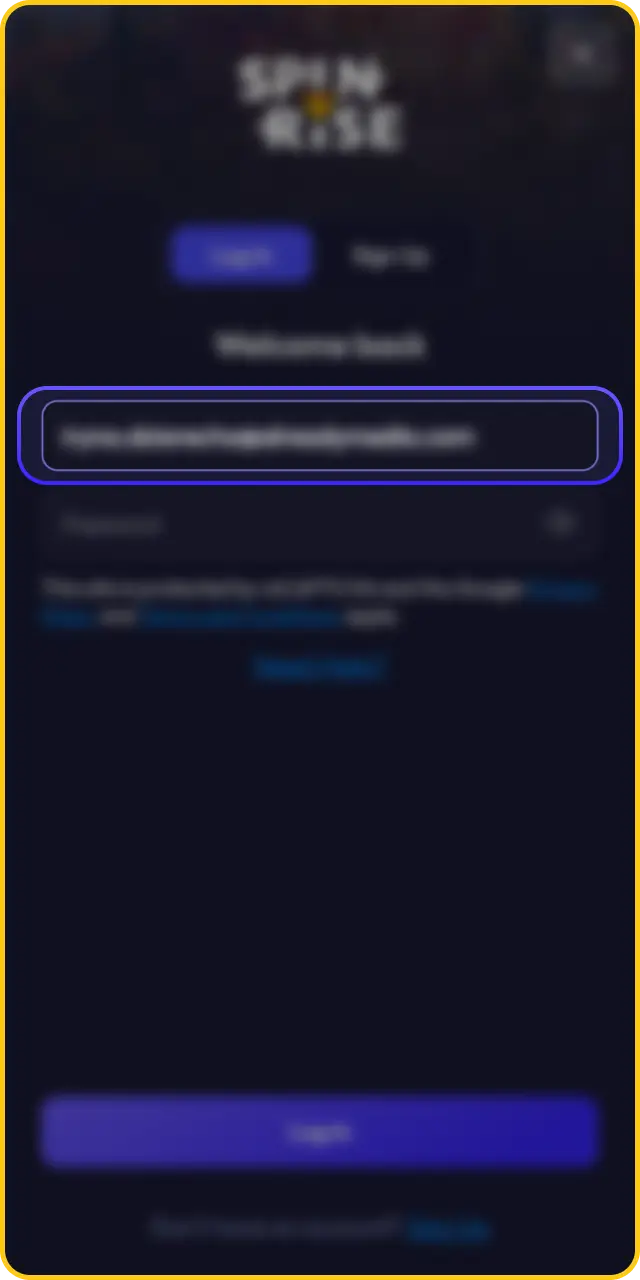
Enter your account password.
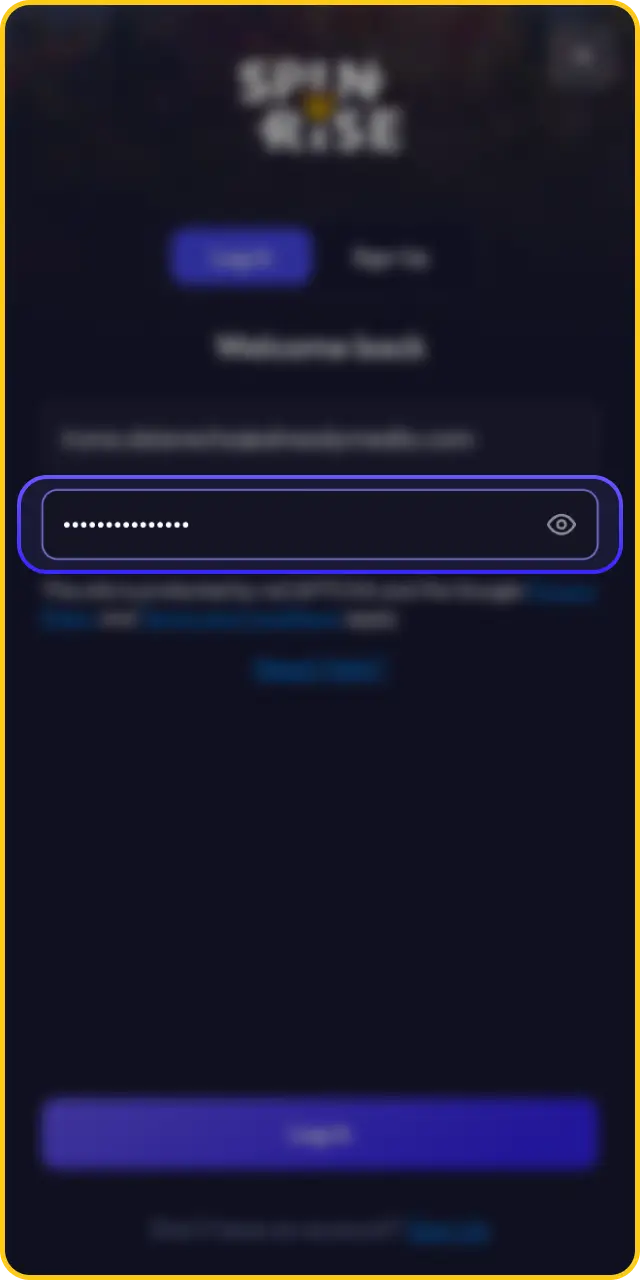
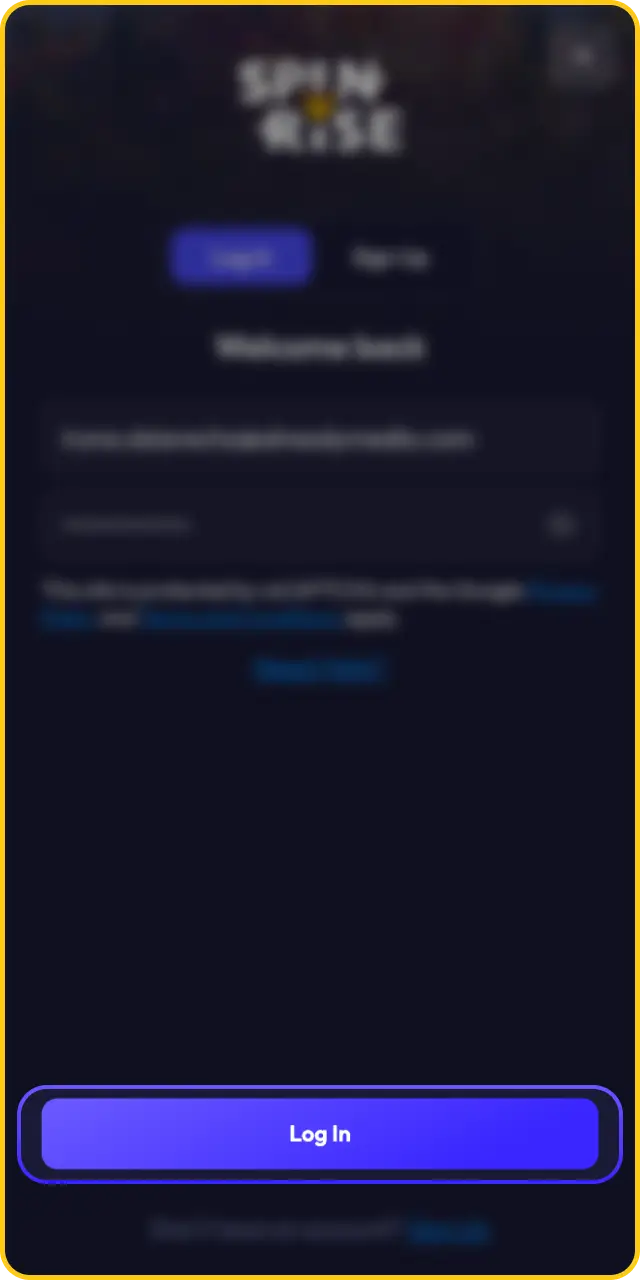
Tap “Log In” to confirm.
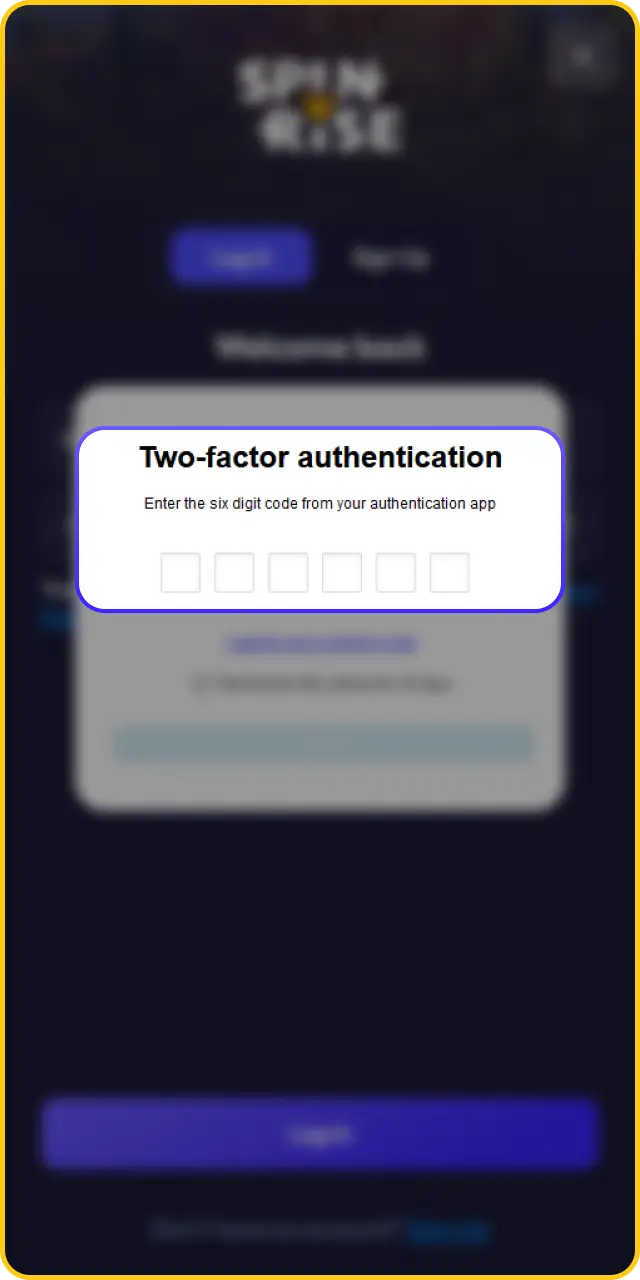
If two-factor authentication is active, enter the code sent to your registered device or email.
The Spinrise mobile platform gives players access to the full casino and sports betting catalogue within moments of logging in. Follow these steps to go from registration to your first bet or spin.
Create a new account or log in to an existing one using the “Sign Up” or “Log In” button on the Spinrise homepage.
Navigate to the Cashier section, select a payment method, and fund your account with the minimum deposit amount.
Browse the slots lobby, live casino section, or sportsbook and select any game or event you want to play.
Place your bet or spin the reels to begin playing with real money on Spinrise mobile.
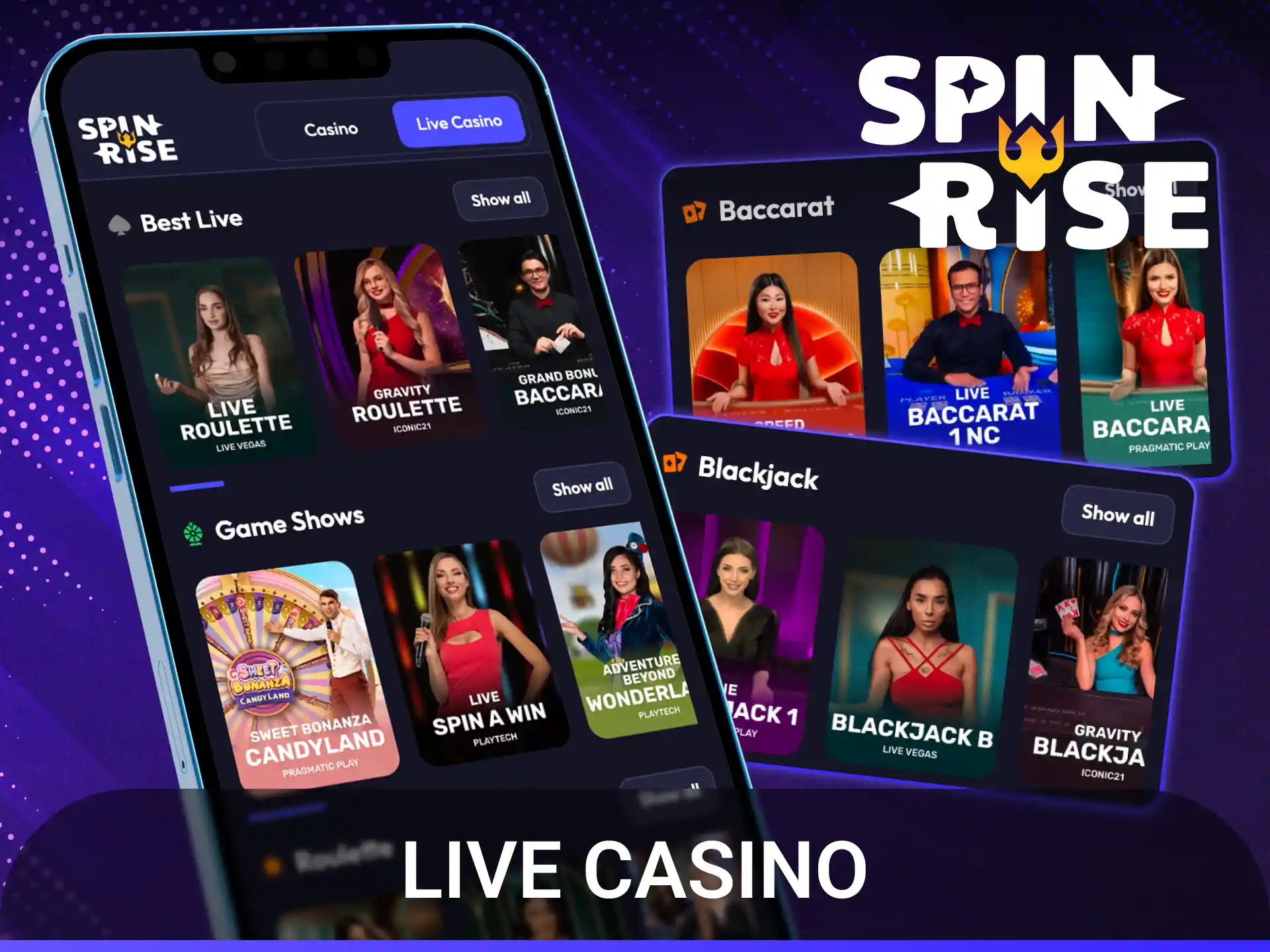
The Spinrise live casino section streams professional dealers in HD directly to mobile, covering the most popular table games. All titles in the live lobby are accessible through the PWA without interruption.
The Spinrise slots catalogue covers thousands of titles from leading providers, all fully optimised for mobile play through the PWA. The following popular games are currently available on the platform:

A 6×5 cluster-pay slot set in ancient Greece, featuring Zeus and free spins with multipliers that accumulate up to 500x on a single spin.

A colourful candy-themed slot with a tumble mechanic and free spins, where scatter pays and multipliers of up to 100x can apply to every win.

A retro space-themed slot with expanding wilds that retrigger respins and pay both ways across 10 paylines.

A fishing-themed slot where the Money Collect mechanic during free spins allows the fisherman wild symbol to collect the values of all fish symbols on the reels.

A North American wildlife slot with three progressive jackpots, Money Respin, and a free spins round triggered by scatter symbols.

An Egyptian adventure slot featuring a single expanding symbol that fills entire reels during 10 free spins, with the potential to retrigger.
The Spinrise catalogue is powered by a selection of established software providers, covering slots, live casino, and table games across thousands of titles.
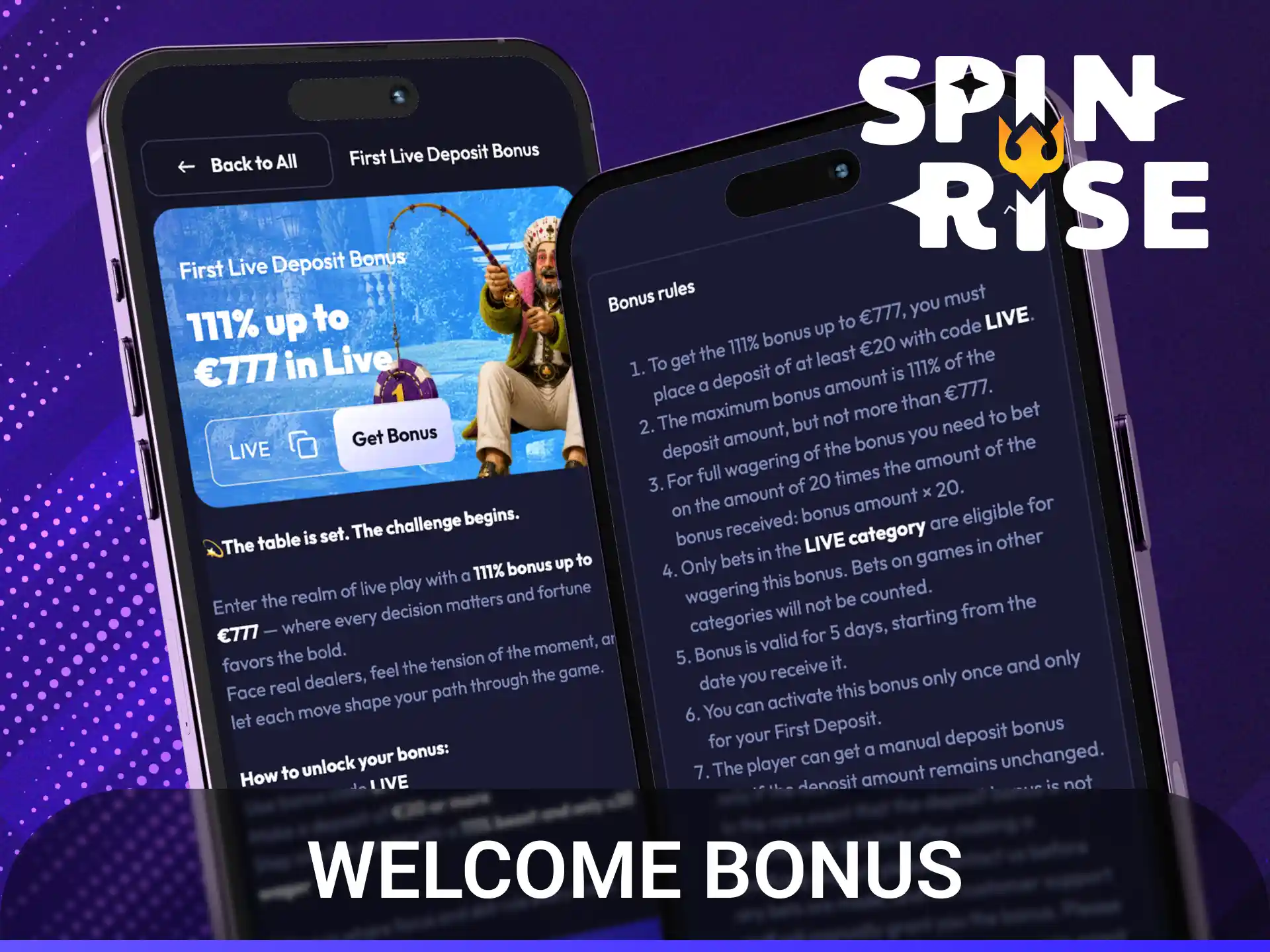
New players at Spinrise are eligible for a welcome bonus on their first deposit. The offer is available to all newly registered accounts that have not previously claimed a promotional offer.
The welcome package at Spinrise provides a 100% match bonus up to EUR 500, credited to the player’s account immediately after the qualifying deposit is processed. The minimum qualifying deposit is EUR 20.
The bonus funds carry a 40x wagering requirement, applied to the combined total of the deposit and bonus amount. Eligible games for wagering include slots, with live casino and table games contributing at a reduced rate or excluded entirely according to the current terms.
The welcome bonus must be claimed within 7 days of registration. Wagering must be completed within 30 days of the bonus being credited. Uncompleted wagering results in the bonus and any associated winnings being forfeited. Players must verify their account before any withdrawal of bonus-related winnings is processed.

Spinrise operates a tiered VIP program that rewards consistent play with escalating benefits across multiple loyalty levels. Players advance through levels based on cumulative wagering activity, with higher tiers providing increased cashback percentages, personalised account management, faster withdrawal processing, and exclusive bonus offers. Full eligibility criteria and tier thresholds are outlined in the VIP program section of the Spinrise platform.
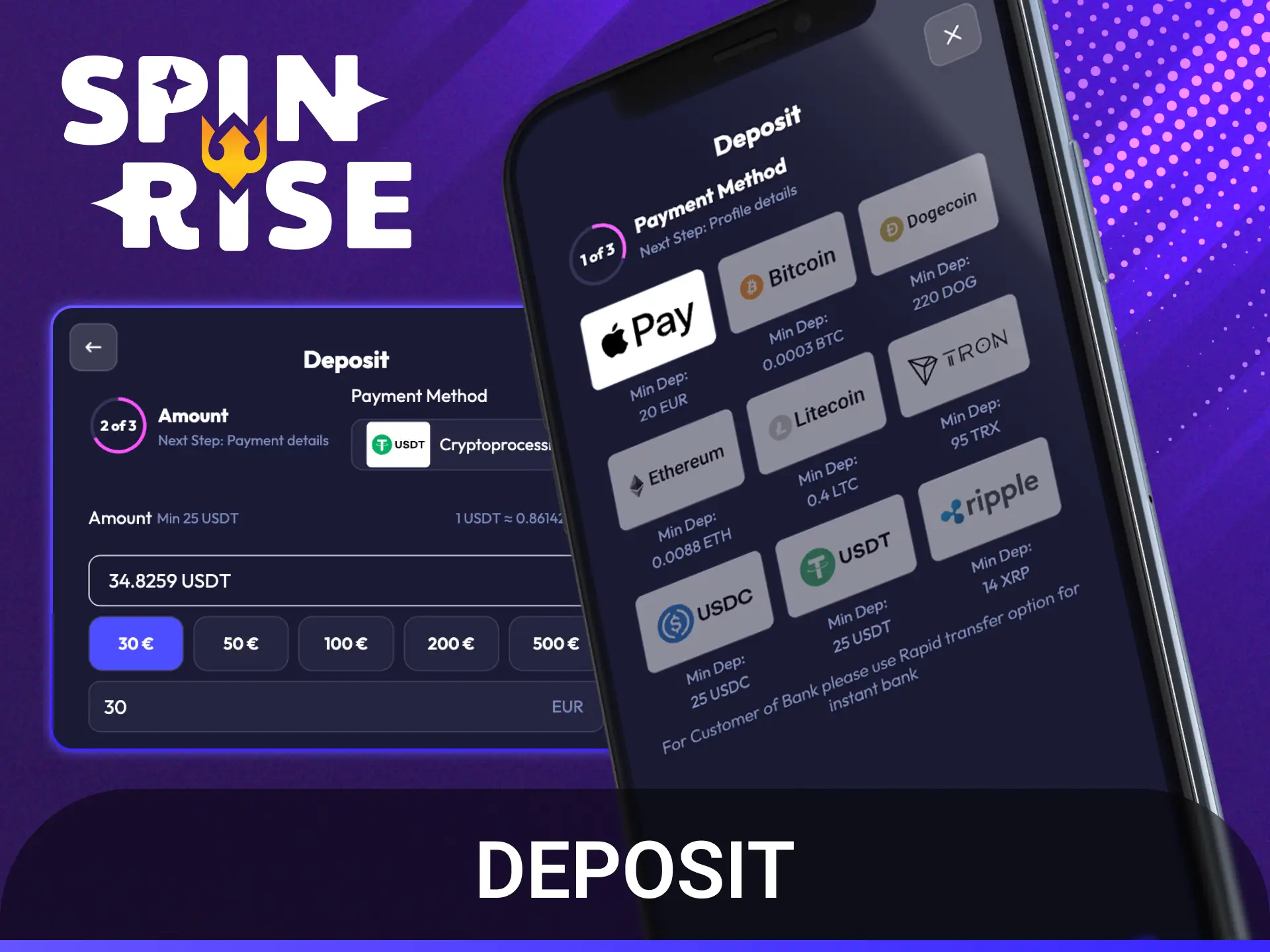
Funding a Spinrise account through the mobile PWA is processed through the Cashier section, which is accessible from any page after logging in. All major payment methods available on desktop are fully supported on mobile.
| Payment Method | Type | Minimum Deposit |
|---|---|---|
| Visa | Card | EUR 10 |
| Mastercard | Card | EUR 10 |
| Skrill | E-wallet | EUR 10 |
| Neteller | E-wallet | EUR 10 |
| Bitcoin (BTC) | Cryptocurrency | EUR 20 |
| Ethereum (ETH) | Cryptocurrency | EUR 20 |
| Litecoin (LTC) | Cryptocurrency | EUR 20 |
Withdrawals from Spinrise are processed through the same Cashier section used for deposits, accessible on mobile through the PWA. Account verification must be completed before the first withdrawal is approved.
| Withdrawal Method | Minimum Withdrawal | Maximum Withdrawal | Processing Time |
|---|---|---|---|
| Visa / Mastercard | EUR 20 | EUR 5,000 | 1 to 5 business days |
| Skrill | EUR 20 | EUR 10,000 | Up to 24 hours |
| Neteller | EUR 20 | EUR 10,000 | Up to 24 hours |
| Bitcoin (BTC) | EUR 20 | EUR 10,000 | Up to 24 hours |
| Ethereum (ETH) | EUR 20 | EUR 10,000 | Up to 24 hours |
| Payment Method | Type | Minimum Withdrawal | Maximum Withdrawal | Processing Time | Fee |
|---|---|---|---|---|---|
| Visa | Card | EUR 20 | EUR 5,000 | 1–5 business days | None |
| Mastercard | Card | EUR 20 | EUR 5,000 | 1–5 business days | None |
| Skrill | E-wallet | EUR 20 | EUR 10,000 | Up to 24 hours | None |
| Neteller | E-wallet | EUR 20 | EUR 10,000 | Up to 24 hours | None |
| Bitcoin (BTC) | Cryptocurrency | EUR 20 | EUR 10,000 | Up to 24 hours | Network fee |
| Ethereum (ETH) | Cryptocurrency | EUR 20 | EUR 10,000 | Up to 24 hours | Network fee |
The Spinrise mobile platform through its PWA gives players access to every feature available on the desktop site without requiring a download or app store account. The platform is designed to perform reliably on all major smartphone brands running Android 8.0+ or iOS 14.0+.

The PWA loads directly in any mobile browser, eliminating app store approval delays and storage requirements beyond browser cache.

All 5,000+ slots, live casino tables, and table game titles available on desktop are accessible through the mobile PWA.

The sports betting section is available on mobile with real-time odds updates and support for pre-match and in-play wagering.

The PWA can be added to the Android or iOS home screen for direct access without opening a browser each time.

The full Cashier section, including all supported payment methods, functions on mobile identically to the desktop experience.

Customer support via live chat is accessible through the mobile PWA at any time, with no feature reduction compared to desktop.

The PWA updates to the latest version automatically each time it is opened, requiring no manual update steps from the player.
The Spinrise PWA replicates the full desktop experience on mobile, with a few practical differences in accessibility and convenience.
| Feature | Mobile Version | Desktop Version |
|---|---|---|
| Access | One tap from home screen shortcut | Requires opening a browser and navigating to the site |
| Navigation | Touch-optimised menus and swipe controls | Mouse and keyboard navigation |
| Game availability | Full 5,000+ catalogue accessible | Full 5,000+ catalogue accessible |
| Sports betting | Full pre-match and in-play access | Full pre-match and in-play access |
| Deposits | All methods available via mobile Cashier | All methods available via desktop Cashier |
| Withdrawals | All methods available via mobile Cashier | All methods available via desktop Cashier |
| Notifications | Browser push notifications supported on PWA | Limited to on-site alerts |
| Screen size | Optimised for portrait and landscape on smartphone | Larger display, ideal for multi-table sessions |
| Portability | Available anywhere with a mobile data or Wi-Fi connection | Requires a fixed or laptop computer |
The Spinrise PWA delivers updates automatically when players reload the platform in their browser, so no manual installation is required. Keeping the browser up to date and clearing the cache periodically ensures the latest version is always running.
Because Spinrise uses a PWA rather than a native application, there is no manual update process involving an app store or APK file. The platform updates automatically each time it is opened in a browser.
Open your preferred mobile browser (Chrome for Android or Safari for iOS).
Navigate to the Spinrise website or tap the home screen shortcut.
If the browser displays a cached version, perform a hard refresh by clearing the site data in the browser settings.
For Android Chrome: go to Settings, select Privacy and Security, tap Clear Browsing Data, and select Cached Images and Files.
For iOS Safari: go to Settings, select Safari, tap Clear History and Website Data, then reopen the Spinrise PWA.
Confirm that the latest version is loaded by checking the platform for any newly listed games or updated promotional banners.
The Spinrise platform uses SSL (Secure Socket Layer) encryption across all connections, protecting personal data and payment information transmitted through the mobile PWA. Account access is secured through password-based authentication, and players can enable two-factor authentication for an additional layer of protection against unauthorised login attempts.
All payment transactions on Spinrise mobile are processed through PCI DSS-compliant payment gateways, meaning card and e-wallet data is handled according to internationally recognised security standards. Spinrise operates under a Curaçao eGaming licence, which requires the platform to maintain documented security protocols and fair gaming standards as a condition of its authorisation.
Most installation issues with the Spinrise PWA are related to browser settings or device configuration rather than the platform itself. The table below covers the most common problems and their practical solutions.
| Problem | Solution |
|---|---|
| “Add to Home Screen” option is not visible on Android | Ensure the site is opened in Chrome (not a third-party browser), then tap the three-dot menu again. If still absent, update Chrome to the latest version. |
| PWA icon does not appear on iOS home screen | Confirm the site is opened in Safari (not Chrome or Firefox on iOS). Only Safari supports the “Add to Home Screen” function for PWAs on iPhone and iPad. |
| PWA loads a blank page or fails to open | Clear the browser cache in settings, then reopen the Spinrise website. If the issue continues, check that the device’s internet connection is active. |
| Games do not load after accessing the PWA | Disable any active ad blockers or browser content filters, as these can interfere with game scripts loaded by the PWA platform. |
The Spinrise sportsbook is fully accessible through the mobile PWA. There is no separate betting application; the sports section and casino section are both available within the same platform accessed from the home screen shortcut or mobile browser.
The Spinrise PWA is compatible with Android tablets running Android 8.0 or later and iPad models running iOS 14.0 or later. The interface adapts to larger screen sizes, providing a layout closer to the desktop experience.
All active promotions available on the desktop site are accessible and claimable through the Spinrise mobile PWA, including the welcome bonus, reload offers, and any free spin campaigns listed in the Promotions section.
Yes. Bitcoin, Ethereum, and Litecoin are among the supported cryptocurrencies for both deposits and withdrawals on the Spinrise mobile platform, with deposits processed in up to 30 minutes and withdrawals completed within 24 hours.
The Spinrise PWA does not install a native application and stores only standard browser cache on the device. No sensitive account data, payment details, or personal information is retained in local device storage beyond what a standard secure browser session maintains.
Updated:
Comments